1
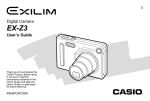
QUICK START GUIDE
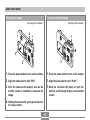
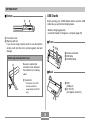
To record an image
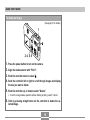
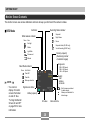
To view a recorded image
(See page 34 for details.)
4
(See page 53 for details.)
1
1
3
3
2
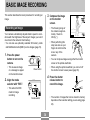
1. Press the power button to turn on the camera.
1. Press the power button to turn on the camera.
2. Align the mode selector with “REC”.
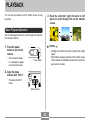
2. Align the mode selector with “PLAY”.
3. Point the camera at the subject, and use the
3. Rock the controller left (back) or right (for-
monitor screen or viewfinder to compose the
image.
ward) to scroll through images on the monitor
screen.
4. Holding the camera still, gently press the shutter release button.
15