1
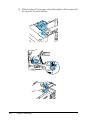
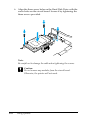
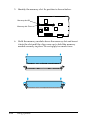
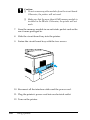
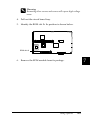
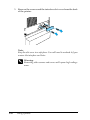
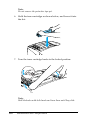
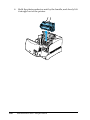
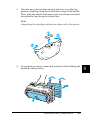
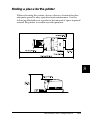
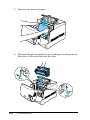
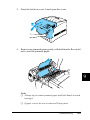
7. Hold the ROM module above the slot and insert it into the slot
A in the orientation shown below, until the clip comes up to
hold the ROM module securely in place. Do not apply too
much force.
c
Caution:
❏ Do not force the ROM into the slot.
❏ Be sure to insert the ROM facing the correct way.
❏ Do not remove any modules from the circuit board.
Otherwise, the printer will not work.
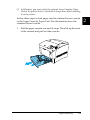
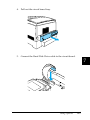
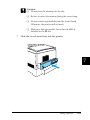
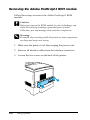
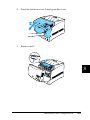
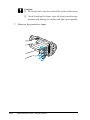
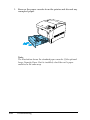
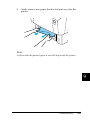
8. Slide the circuit board tray into the printer.
244
Using Options