1
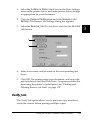
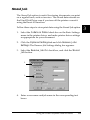
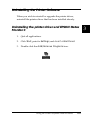
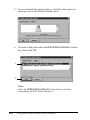
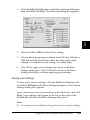
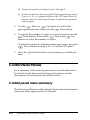
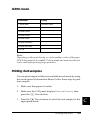
3. Double-click the Install Software folder.
4. Double-click the Installer icon.
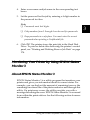
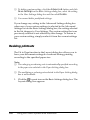
5. Click Continue. When the software license agreement screen
appears, read the statement and then click Accept.
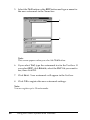
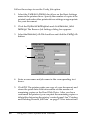
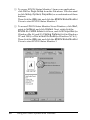
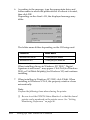
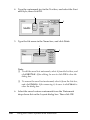
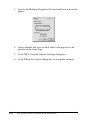
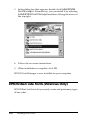
6. Select Uninstall from the menu at the upper left, and click
Uninstall.
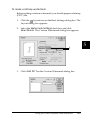
7. Follow the on-screen instructions.
166
Using the Printer Software with Macintosh