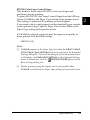
1
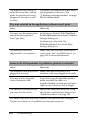
❏ Passwords consist of numbers from 1 through 4.
❏ If no print jobs have been saved with the password you entered,
Password Error appears briefly on the LCD panel then the
printer exits the control panel menus. Confirm the password
and try again.
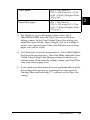
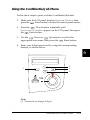
5. Use the
Down or
Up button to scroll to the
appropriate job name, then press the
Enter button.
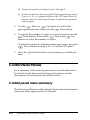
6. To specify the number of copies you want to print, press the
Enter button, then use the
Down and
Up
buttons to select the number of copies.
To delete the print job without printing any copies, press the
Down button to display Delete on the LCD panel.
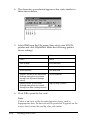
7. Press the
data.
Enter button to start printing or to delete the
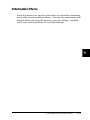
Control Panel Menus
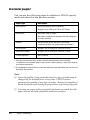
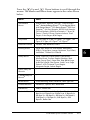
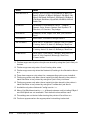
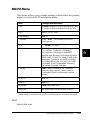
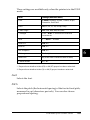
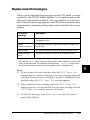
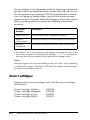
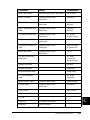
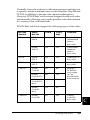
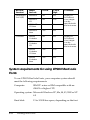
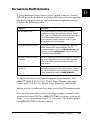
For a summary of the control panel menus, see the table below.
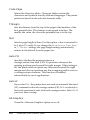
For details on the items and settings on the menus, see the
descriptions for each menu later in this section.
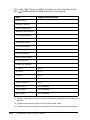
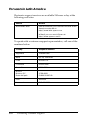
Control panel menu summary
The following table shows the order in which control panel menus
and menu items appear on the LCD panel.
176
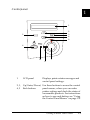
Functions of the Control Panel