1
A pp e nd ix A C om m unic at i on Se tt i n g
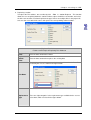
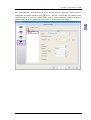
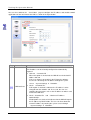
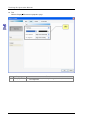
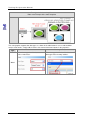
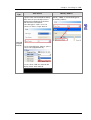
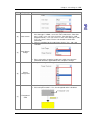
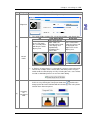
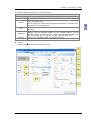
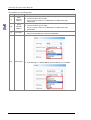
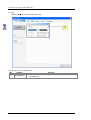
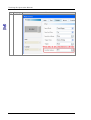
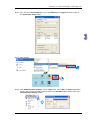
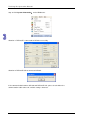
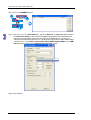
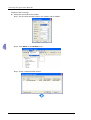
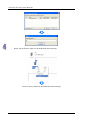
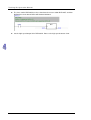
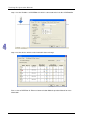
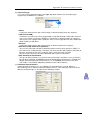
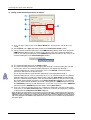
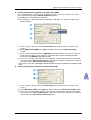
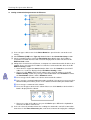
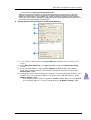
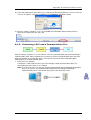
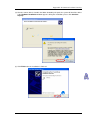
(5) If the connection type that the driver uses is Ethernet or DirectLink (Ethernet), the users have to
select an IP address created in COMMGR in the IP Address drop-down list box.
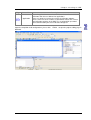
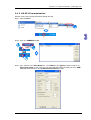
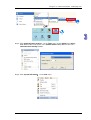
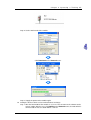
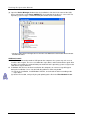
(6) After the setting is complete, users can click OK. The information about the driver which is
connected is displayed in the status bar.
A.1.6
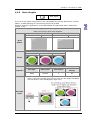
Connecting a PLC and a Communication Port
After all setting is complete, users can connect a PLC to a communication port specified through a
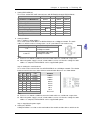
communication cable. Some common ways to connect a PLC to a communication port, and some
points for attention are listed below. Please refer to PLC manuals for more information about
connecting PLCs to communication ports.
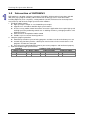
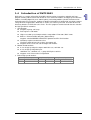
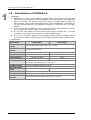
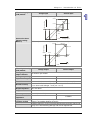
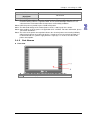
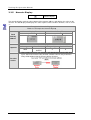
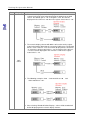
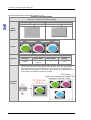
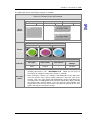
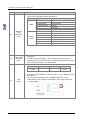
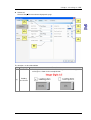
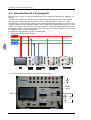
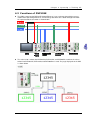
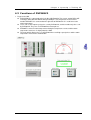
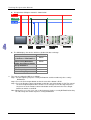
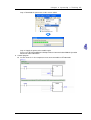
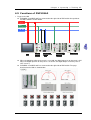
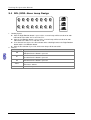
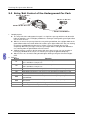
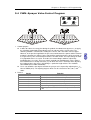
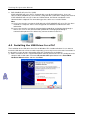
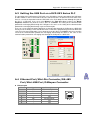
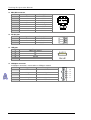
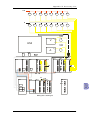
1. DVP series PLC (RS232)
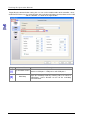
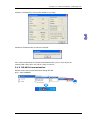
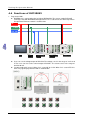
A computer is connected to a DVP series PLC through a Delta communication cable. The
connection type that a driver uses is RS232.
Note: Users have to make sure that the communication protocol for exchanging data through a
driver is the same as the communication protocol for exchanging data through a
communication port on a PLC before they connect the driver to the PLC.
A-13