1
6
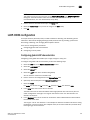
GigE port modes
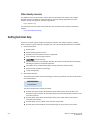
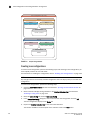
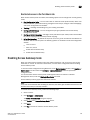
To provide redundancy, there is one In-Band Management interface per gigabit Ethernet port. This
allows the management station on the WAN side of the network to have multiple addresses with
which to reach that switch, and allow redundancy in the event one of the gigabit Ethernet ports
becomes unreachable for any reason.
Communication is handled through external addresses that are configured independently for each
In-Band Management interface. The In-Band Management interfaces share the routing table on
the control processor. This is separate from the routing table for each gigabit Ethernet port that
exists. Because of this, there are certain limits to the addresses that are allowed, and the routes
that are allowed for the In-Band Management interfaces and route entries.
In-Band Management is supported on the Brocade 7800 and Brocade FX8-24. Only one IP
interface entry can be configured per gigabit Ethernet port.
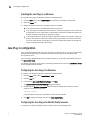
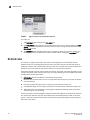
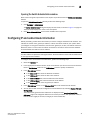
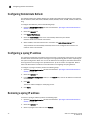
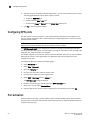
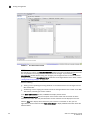
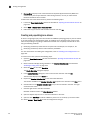
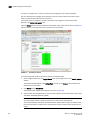
To configure In-Band Management, perform the following steps.
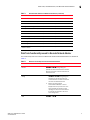
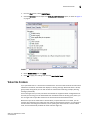
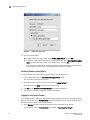
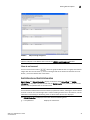
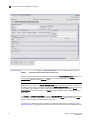
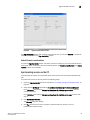
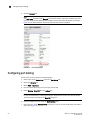
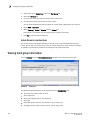
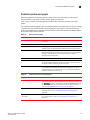
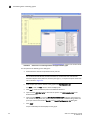
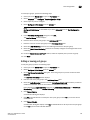
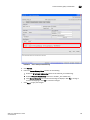
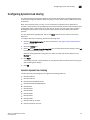
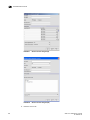
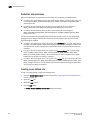
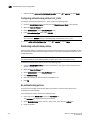
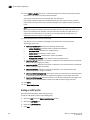
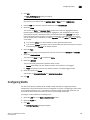
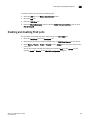
1. Select Port Admin > GigE Ports > In-Band IP Interface.
2. Click Add to configure a new In-Band Management entry.
3. Set the IP Address Type to IPv4.
4. Set the address options:
-
IP Address
Subnet Mask
MTU Size
5. Click OK.
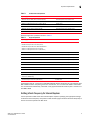
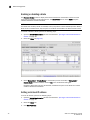
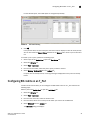
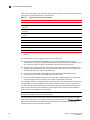
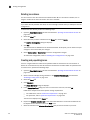
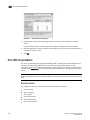
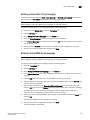
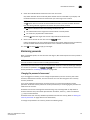
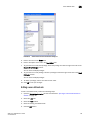
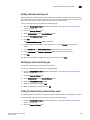
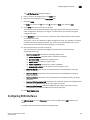
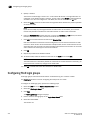
6. Select the Inband IP Routes tab.
7.
Click Add to configure a new route entry.
You can create a maximum of 32 In-band IP route entries.
8. Set the IP Address Type to either IPv4.
9. Set the address options of the management station on the WAN side of the FCIP platform:
-
Destination IP Address
Subnet Mask
Gateway IP Address
10. Click OK.
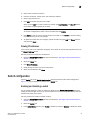
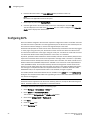
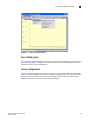
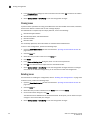
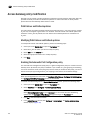
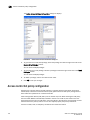
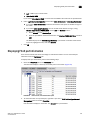
11. Select the General subtab.
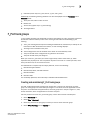
12. Select the Enable option from the Inband selection list to activate In-Band Management.
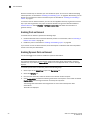
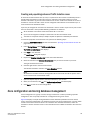
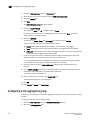
GigE port modes
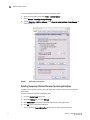
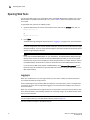
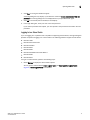
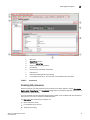
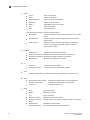
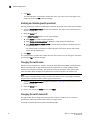
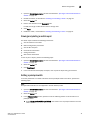
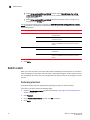
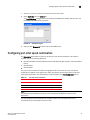
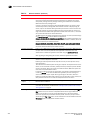
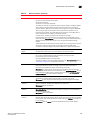
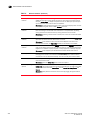
Web Tools allows you to set the GigE port mode for the FX8-24 DCX Extension Blades to 1G, 10G, or
dual modes.
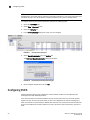
To configure the GigE port mode, perform the following steps:
102
Web Tools Administrator’s Guide
53-1002934-02