1
DV-SL1500W
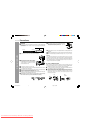
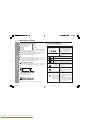
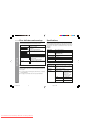
H If trouble occurs
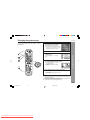
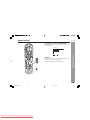
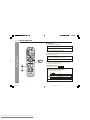
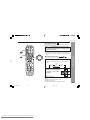
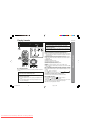
Remote control
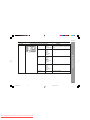
Symptom
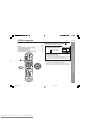
The remote control does not
operate properly.
Possible cause
Is the battery polarity respected?
Are the batteries dead?
Is the distance or angle incorrect?
Are there any obstructions in front of the
unit?
I Is the remote control sensor exposed to
strong light (inverter fluorescent light,
direct sunlight, etc.)?
I Is the remote control for another
equipment used simultaneously?
I
I
I
I
When this product is subjected to strong external interference (mechanical
shock, excessive static electricity, abnormal supply voltage due to lightning,
etc.) or if it is operated incorrectly, it may malfunction.
If such a problem occurs, do the following:
1 Turn the unit power off and on again.
2 If the unit is not restored in the previous operation, unplug and plug in the
unit, and then turn the power on.
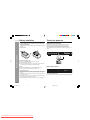
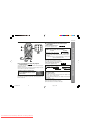
H Before transporting the unit
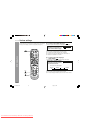
1 Press the ON/STANDBY button to turn the power on.
2 Press the 0 OPEN/CLOSE button to open the disc tray.
Remove the disc inserted in the unit.
3 Press the 0 OPEN/CLOSE button to close the disc tray.
4 Press the ON/STANDBY button to switch off, and then unplug the AC
power lead from the wall socket.
H Condensation
Sudden temperature changes, storage or operation in an extremely humid
environment may cause condensation inside the cabinet (laser pickup, etc.)
or on the transmitter on the remote control.
Condensation can cause the unit to malfunction. If this happens, leave the
power on with no disc in the unit until normal playback is possible (about 1
hour). Wipe off any condensation on the transmitter with a soft cloth before
operating the unit.
References
H
50
DV-SL800W 43-52
50
Downloaded From DvDPlayer-Manual.com Sharp Manuals
2/9/06, 3:02 PM