1
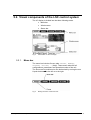
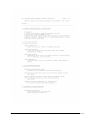
entered. The user code is defined under OPTIONS Æ Misc. Æ
Security.
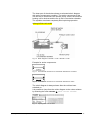
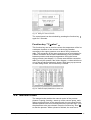
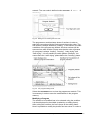
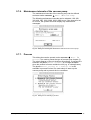
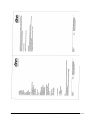
Fig. 35 Dialog box for entering the user code
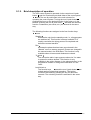
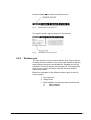
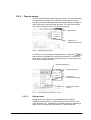
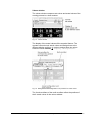
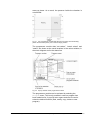
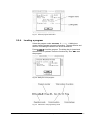
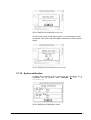
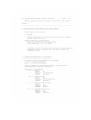
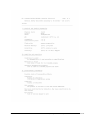
The programmer module always shows 3 sections in order to
make the connection with the previous and the section clear. The
first section is always defined as “loading”. In this section, the start
conditions of the program are defined. All other sections will be
executed one after another. Please note that the order of phases
of a program is always “loading”, “freezing”, “main drying” and
“final drying”. It is not possible to switch phases. Example: You
cannot have the “main drying” phase before the “freezing” phase.
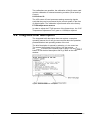
Fig. 36 The program editing mode
Select the PROGRAM menu to close the programmer module. This
is necessary in order to save the modifications in the program
memory.
Modifying a Program
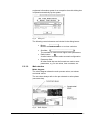
The section to be modified has to be selected using the scrollbar.
It is then displayed in the middle (marked by an editing frame).
After exiting the scrollbar, the focus jumps to the editing frame.
Now it is possible to modify the phases and set values. In order to
58 • LSC Control System
Operating Manual Freeze Dryer ALPHA 1-4 LSC / ALPHA 2-4 LSC