1
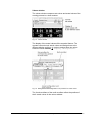
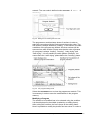
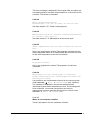
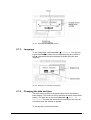
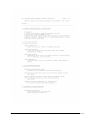
Set the current values for day, month and year und confirm these
settings with
.
To set the time, proceed as follows:
Set the current values for hour and the next minute. When the
minute changes, confirm the new setting with
. The
counter of the seconds will be reset to zero.
Example:
The current time is 10:23:15 [hour:min:sec]. Hence the time to be
set is 10:24 [hour:min]. Confirm the new setting by pressing
when the minute changes to 10:24:00 [hour:min:sec].
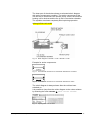
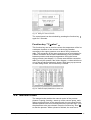
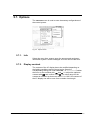
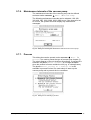
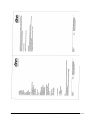
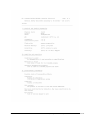
Fig. 47 Dialog box for date and time
5.7.5.
Maintenance of the freeze dryer
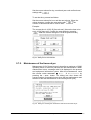
Maintenance of LSC freeze dryers is due after a maximum of 3000
operating hours or after one year after the last maintenance. When
maintenance is due, message code 24 is displayed in the process
and equipment information system. After the maintenance, reset
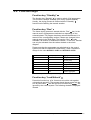
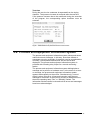
the counter under OPTIONS Æ Misc. Æ Maintenance by
pressing the
button. The dialog box also shows the
current number of operating hours since the last maintenance and
the date of the last maintenance in the format [month.year].
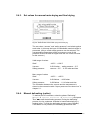
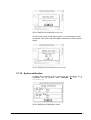
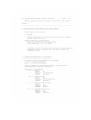
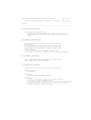
Fig. 48 Dialog box showing the maintenance intervals of the freeze dryer
68 • LSC Control System
Operating Manual Freeze Dryer ALPHA 1-4 LSC / ALPHA 2-4 LSC