1
LU 253335051-B RTI90-320_500 T2 HD UK.book Page 26 Jeudi, 13. octobre 2011 2:50 14
RTI90-320/500 T2 HD UK
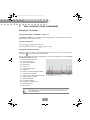
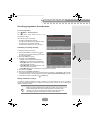
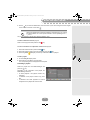
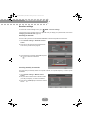
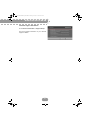
Using the Picture in Picture (PIP) feature
This feature allows you to watch a program on the full TV screen and to display at the same time
another program in an inset window.
Note that the sound is from the main program only.
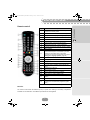
To use the PIP feature, press the
An inset window is displayed.
key.
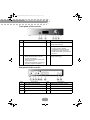
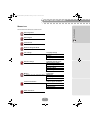
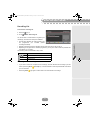
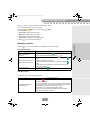
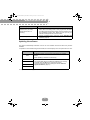
The following actions are available:
Use this key...
To...
move the PIP window in the
main window.
change channel.
activate/deactivate the PIP
feature.
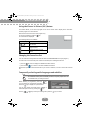
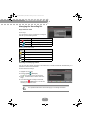
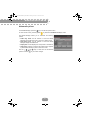
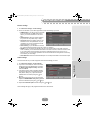
Changing the favourites list
You can create and manage favourite channels lists in the Favourite lists menu (see page 47).
To switch from one channel list (main channel list included) to an existing favourite list:
• press the
key twice to display the detailed information banner,
• press the blue
key to switch to the next available favourite list.
Repeat this operation until the favourite list of your choice is selected, or to return to the main channel
list.
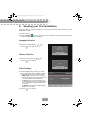
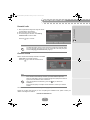
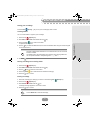
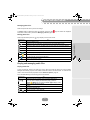
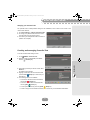
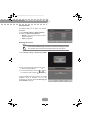
Temporarily selecting audio languages and subtitles
Note
All modifications take place immediately. However, temporary adjustments are
not retained when you change channel.
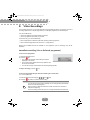
While watching a programme, press the
key
once to display the programme information banner.
Press the
key to display the options banner.
You can also display the audio tracks, subtitles or
audio description screen by pressing the
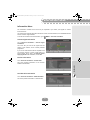
Use the
or
key.
key to select your settings then press the
26
key to confirm.