1
Basic Operation
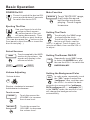
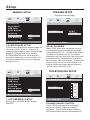
Balance: R 0-10 to L 0-10 .
Adjust sound balance between left
and right speakers by using VOL + / - .
Fader: F 0 - 10 to R 0 -10 .
Adjust sound balance between front and
rear speakers by using VOL + / VOL - .
The RESET button is to be activated for
the following reasons:
A. Initial installation of the unit when
all wiring is completed.
B. All the function buttons do not operate.
C. Error symbol on the display.
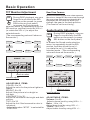
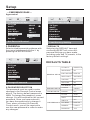
Setting Audio Modes
ALTERNATE AUDIO/VIDEO SOURCE
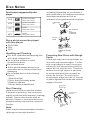
Touch the screen the DSP range
DSP
(or press the EQ button on the
remote control ) to select one of
the preset sound modes .
(Rock/Pop/Jazz/Classic/Flat) .
The information will display in the
monitor as follow :
POP
JAZZ
ROCK
CLASSIC
FLAT
FLAT
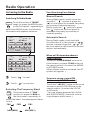
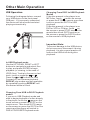
On the front panel of the unit , there is an
AUX IN jack, to connect analogue replay
devices. Use this jack to replay sound of
other replay equipment such as
DVD players, computers, etc.
Via the loudspeakers.
1). Please f ollowing the diagram below,
connect the external device with stereo
jack plug the AUX IN socket .
2). Press the MOD button to select the
AUX IN connection.
3). Use the buttons on the external
device itself to operate it .
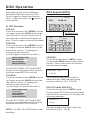
16: 18
DISC-IN
POP
S-WOOFER
OSD
TA
DSP
AF
CLK
LUD
AUX IN
GOTO
AUX IN
touch to select
It`s depend on your habit to select the
Audio mode .
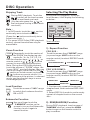
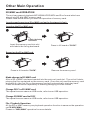
Reset Factory Settings
RESET button is placed on the housing
and must be activated with either a
ballpoint pen or thin metal object.
RESET
RES
Headphones port