1
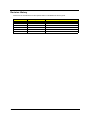
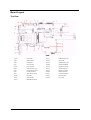
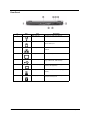
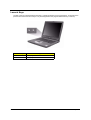
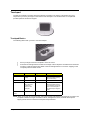
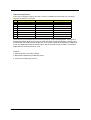
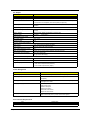
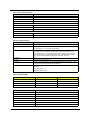
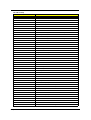
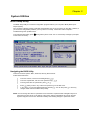
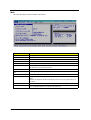
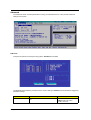
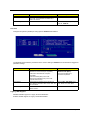
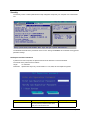
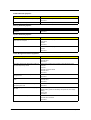
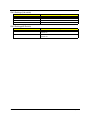
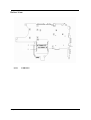
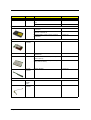
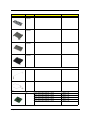
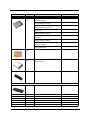
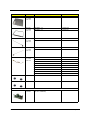
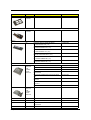
Bottom Panel
#
Icon
Item
Description
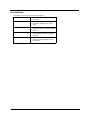
1
Memory compartment
Houses the computer’s main memory.
2
AcerMedia bay release
latch
Unlatches the AcerMedia drive for
removing the optical drive.
3
AcerMedia bay
Houses an AcerMedia drive module.
4
Battery bay
Houses the computer’s battery pack.
5
Battery release latch
Unlatches the battery to remove the battery
pack.
6
Hard disk bay
Houses the computer’s hard disk
(securedby a screw).
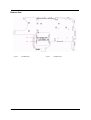
7
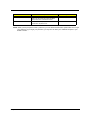
Cooling fan
Helps keep the computer cool.
Note: Don’t cover or obstruct the opening
of the fan.
Chapter 1
11