1
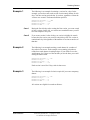
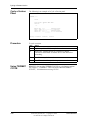
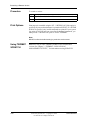
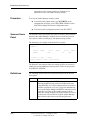
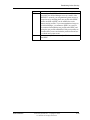
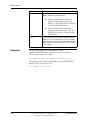
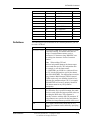
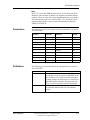
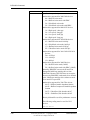
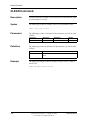
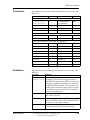
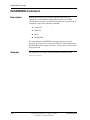
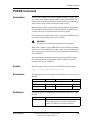
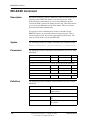
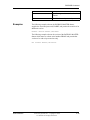
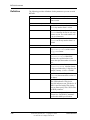
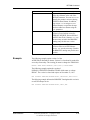
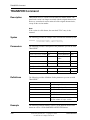
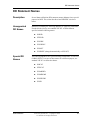
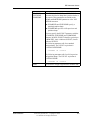
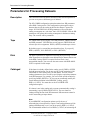
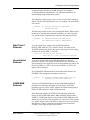
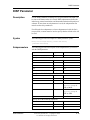
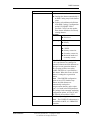
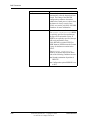
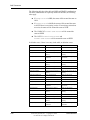
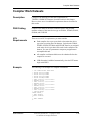
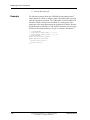
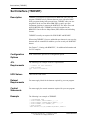
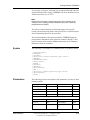
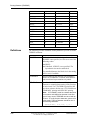
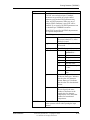
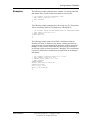
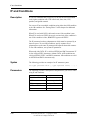
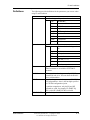
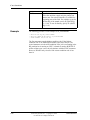
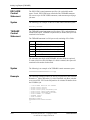
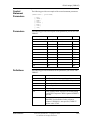
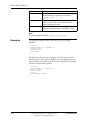
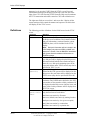
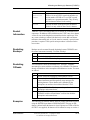
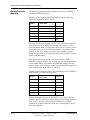
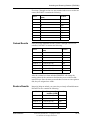
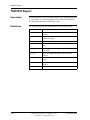
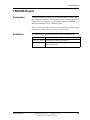
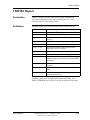
Using VSE/POWER ACCOUNT Command Using VSE/POWER ACCOUNT Command Description You can use BIM-EPIC to control tape and sequential disk files created by the VSE/POWER ACCOUNT command. DSN Catalog There are no tape dataset restrictions. For disk, the pool must be made up of the exact same DASD type as the type used for the VSE/POWER account file (IJAFILE). Specify an adequate primary allocation value, as not all versions of VSE/POWER will request secondary allocations even if they are needed. Historically, a primary allocation value equal to the allocated size of IJAFILE has been adequate. JCL Requirements for Tape JCL Requirements for Disk User Reference When using tape, there are two JCL requirements you must consider. Controlled account files must be defined with a TLBL statement and must be stored in the system standard label area, VSE/POWER partition standard label area, or VSE/POWER partition user label area. LUB allocation must be inhibited since VSE/POWER will dynamically choose the SYS number that will be used. When using disk, there are several JCL requirements you must consider. Controlled account files must be defined with the DLBL statement and must be stored in the system standard label area, VSE/POWER partition standard label area, or VSE/POWER partition user label area. If the controlled account file is inhibited for LUB allocation, supply an abbreviated EXTENT (// EXTENT SYSnnn) containing a SYS number that is not used by POWER. If the controlled account file is not inhibited for LUB allocation, supply an abbreviated EXTENT (// EXTENT SYSnnn) containing any valid SYS number. Connectivity Systems, Inc.—Copyright © 2006 Use Pursuant to Company Instructions 7-51