1
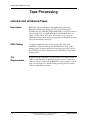
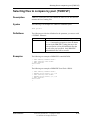
Choosing the Device Type
JCL
Requirements
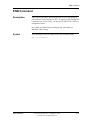
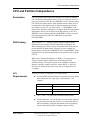
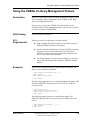
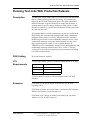
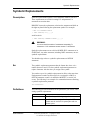
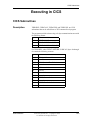
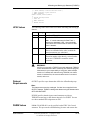
For uncontrolled tape or disk datasets, use the proper label, for example,
TLBL, DLBL, or a DD statement with UNIT.
Note:
This applies to GDI only. You cannot use GDIUR with uncontrolled
datasets.
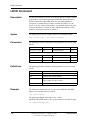
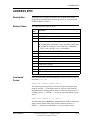
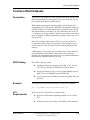
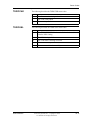
For controlled datasets, no JCL changes are required for GDI input (GDI
only). For GDI output and GDIUR input and output, you must invoke
GDI by changing the label type to TLBL or DLBL, or device type to
UNIT=type. No volume or allocation information needs to be supplied
in the JCL. For GDIUR, use DD statements. You cannot use a DLBL
statement or TLBL statement.
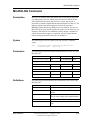
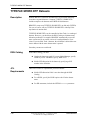
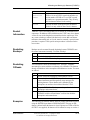
When using GDIUR, it may be necessary to insert the OPTION=RESET
parameter on the DD statement after the step to terminate GDIUR
processing if subsequent steps reference the same system dataset DTF
name and you don't need to control it further using GDIUR. See Chapter
6, “OPTION Parameter,” Reset, in this manual for more information.
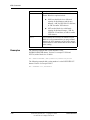
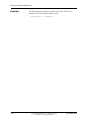
Example
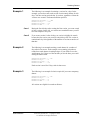
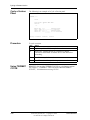
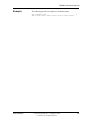
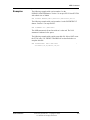
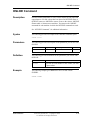
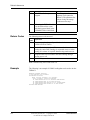
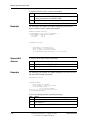
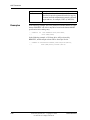
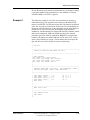
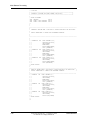
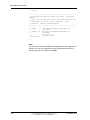
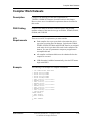
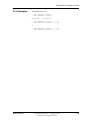
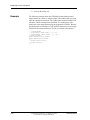
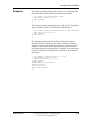
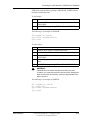
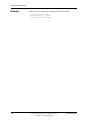
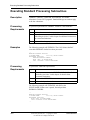
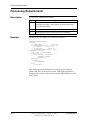
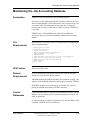
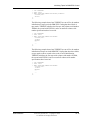
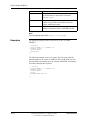
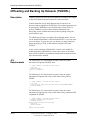
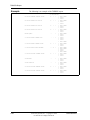
The following example routes punch output to a disk dataset using
GDIUR.
* //IJSYSPH DD
* //
// EXEC PROGRAM
/*
* //IJSYSPH DD
User Reference
DSN='CARD.OUTPUT',DISP=(NEW,PASS),
UNIT=DISK
OPTION=RESET
Connectivity Systems, Inc.—Copyright © 2006
Use Pursuant to Company Instructions
7-63