1
YouTube“"
go and create your own classic
Note: If you don't have a YouTube account, visit
m¢y_w,y_omuhe,ggm to find out more. To create an
account or sign in, go to "Your account" on page 31.
Quick start: YouTube
Watch videos
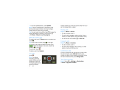
Find it: Launcher icon © > YouTube
Voulubte
You Tubé ‘
Hes: Wrrti
Lester 011:" T categories
""
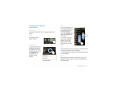
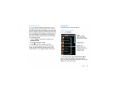
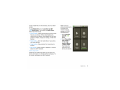
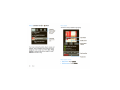
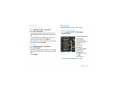
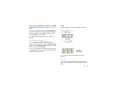
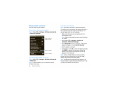
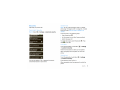
Touch a video to play.
See popular video categories, like Featured, Most
viewed, and Top rated. Touch a category, then touch
the video to start playingl To see more video
categories, touch Menu p■ > Cate ories. To see a
video in high quality, touch Menu
> Settings
> High quality video.
Search for videos
Find it: Lflmcher icon © > IE] YouTube
> Menu 4■ > Search
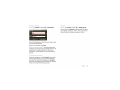
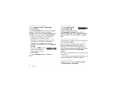
Enter text, then touchjearch.To clear your search
history, touch Menu [E] > Settings > Clear search
history.
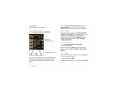
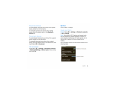
Press
to show options.
Share videos
Send someone a link to a video that you are watching.
1 Touch the video to select it.
The YouTube usergenerated content Web site lets you
share videos with YouTube users everywhere. You
don't need a YouTube account to browse and view
videos.
30
YouTube""
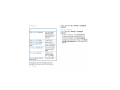
2 Touch Menu @] > Share.
3 Address and complete your email, then touch Send.