1
III. Using the telephone
2
ABC
GHI
5
JKL
PQRS
8
TUV
/
0
OPER
1
4
7
3
6
9
DEF
MNO
WXYZ
/=
SET/HOLD
DEL/TIME
LJ-100
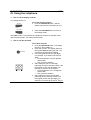
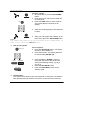
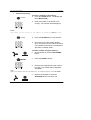
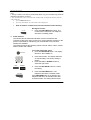
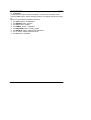
2. Press the 5 button. The display will show
AL 123.
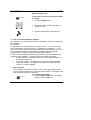
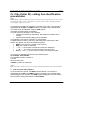
3. Press the 1 button to set the first alarm.
The display will show symbol AL 1OFF.
Alarm is off.
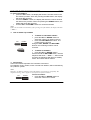
4. Press the */. button to switch alarm on.
The display will show AL 1 12-00. The
first digit of the clock will flash.
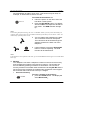
5. Using the keypad, enter the hour and
minute. For example, if you wish to set
15:37, press the following digits 1537.
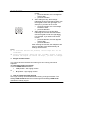
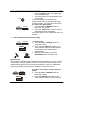
6. Press the SET/HOLD button. The display
will show AL
123.
7. Press the 2 button. The display will show
symbol AL 2OFF.
8. Repeat steps 4 and 5 to set the second
alarm.
9. Press the SET/HOLD button. The display
will show AL
123.
10. Press the 3 button, if you wish to set the
third alarm. The display will show
AL 3OFF.
11. Repeat steps 4 and 5 to set the third
alarm.
12. Press the SET/HOLD button. The display
will show AL
123.
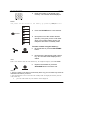
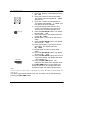
13. Press the SET/HOLD button once more to
confirm the setting. The display will show
– 0 1 2 3 4 5 6 7 -.
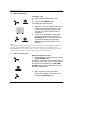
14. Press the DEL/TIME button. The
telephone will return to the standby mode.
If the DEL/TIME button is not pressed, the
telephone will return to standby mode after
several seconds. The setting will be stored.
Note!
You do not have to set three alarms . After displaying symbol AL 123, select the alarm, you
wish to set.
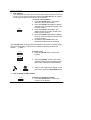
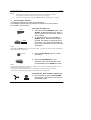
The alarm signal will be played every day. The alarm can be switched off by
pressing the DEL/TIME button.
21