1
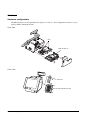
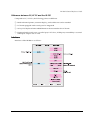
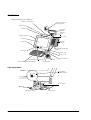
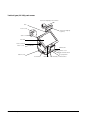
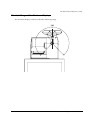
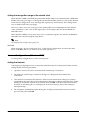
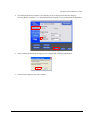
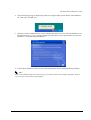
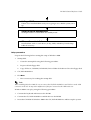
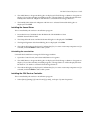
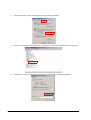
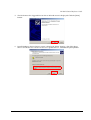
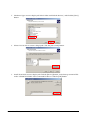
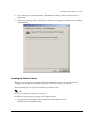
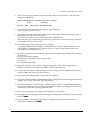
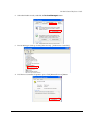
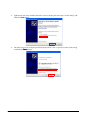
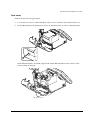
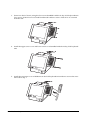
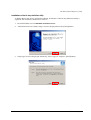
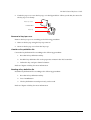
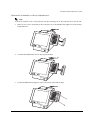
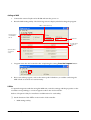
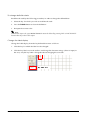
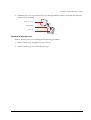
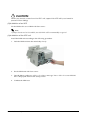
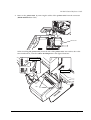
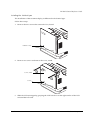
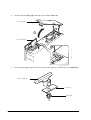
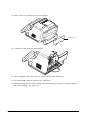
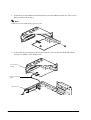
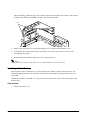
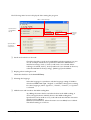
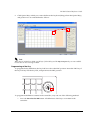
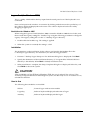
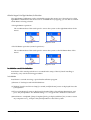
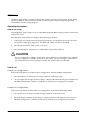
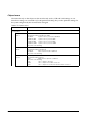
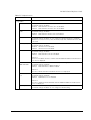
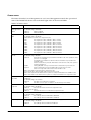
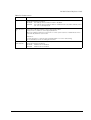
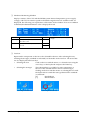
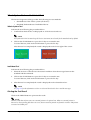
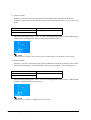
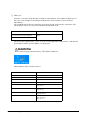
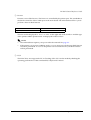
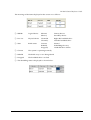
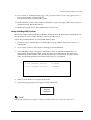
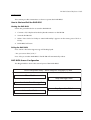
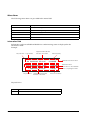
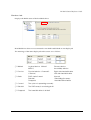
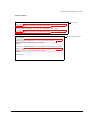
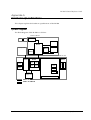
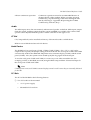
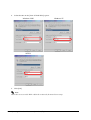
9. Fit the hole of the customer display to tab of the DM holder, and attach the customer display
to the DM holder.
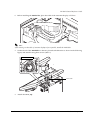
Note:
Be careful not to pinch the cable.
Tabs
Customer display
DM holder
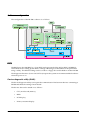
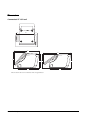
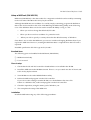
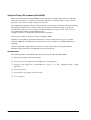
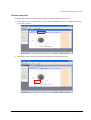
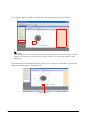
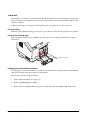
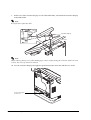
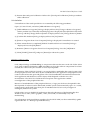
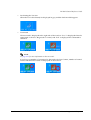
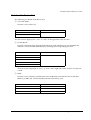
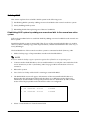
Note:
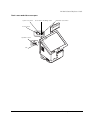
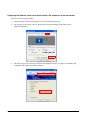
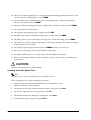
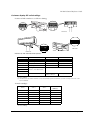
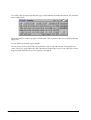
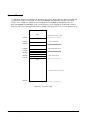
When removing the top cover of the standing type, remove it after raising the LCD unit. If the LCD unit
is down, the cover, top cannot be removed.
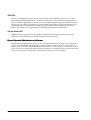
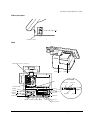
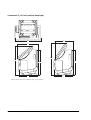
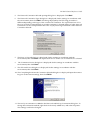
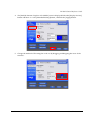
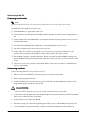
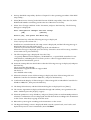
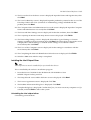
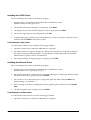
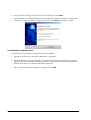
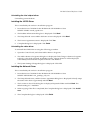
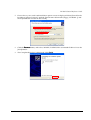
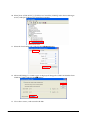
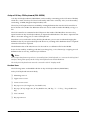
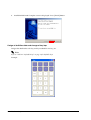
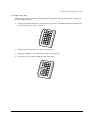
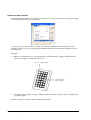
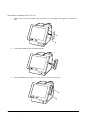
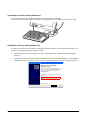
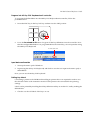
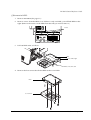
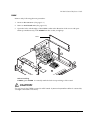
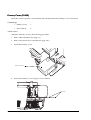
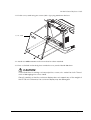
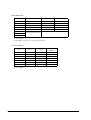
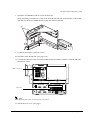
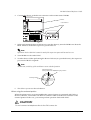
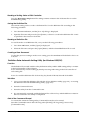
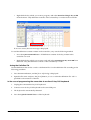
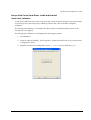
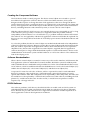
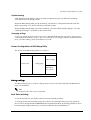
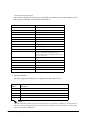
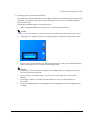
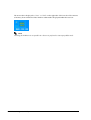
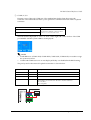
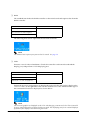
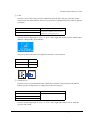
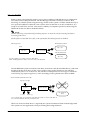
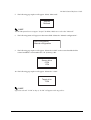
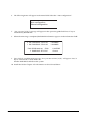
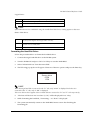
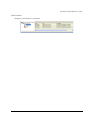
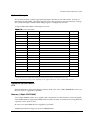
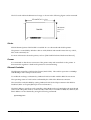
10. Pass the customer display through the space between the main unit and the case stand.
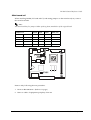
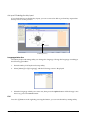
Customer Display
Connector
3-58 Hardware Setup
Rev.D