1
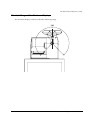
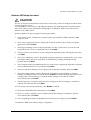
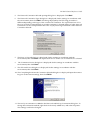
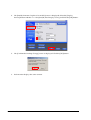
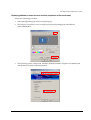
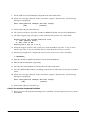
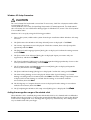
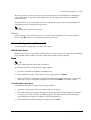
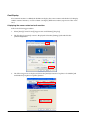
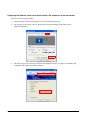
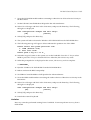
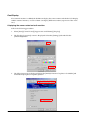
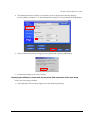
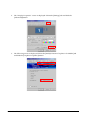
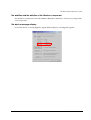
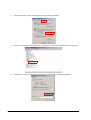
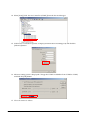
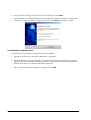
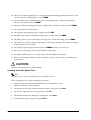
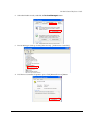
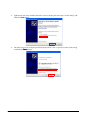
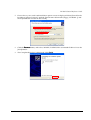
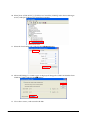
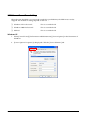
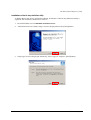
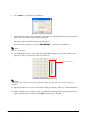
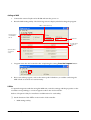
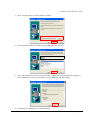
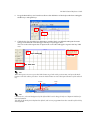
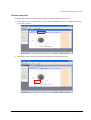
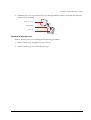
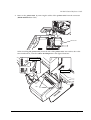
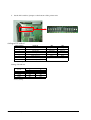
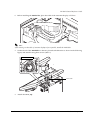
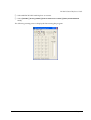
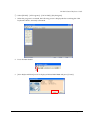
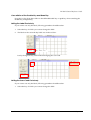
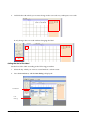
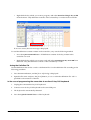
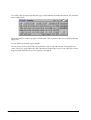
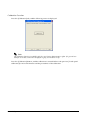
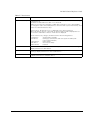
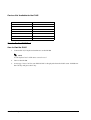
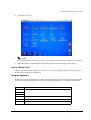
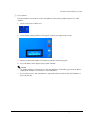
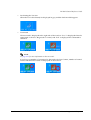
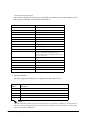
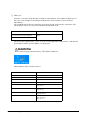
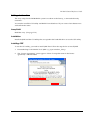
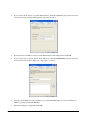
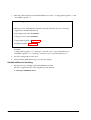
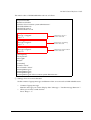
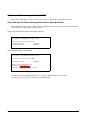
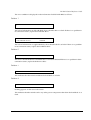
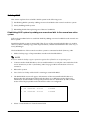
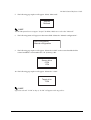
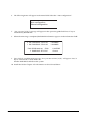
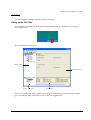
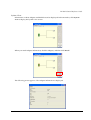
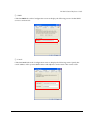
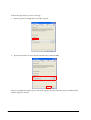
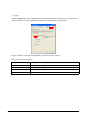
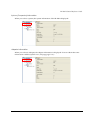
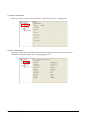
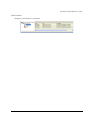
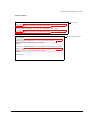
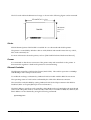
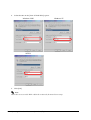
4. The [Intel(R) Extreme Graphics 2 for mobile] screen is displayed. Select the [Display
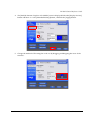
Devices] button and then check the [Intel(R) Dual Display Clone], and click the [OK] button..
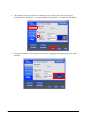
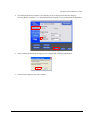
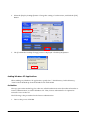
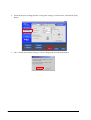
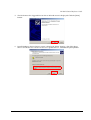
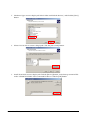
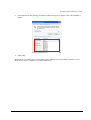
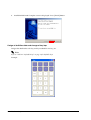
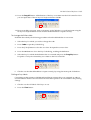
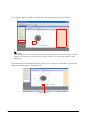
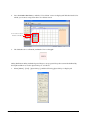
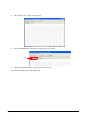
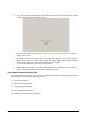
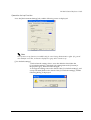
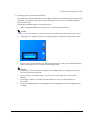
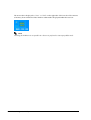
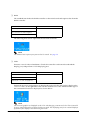
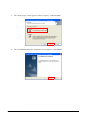
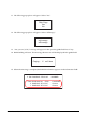
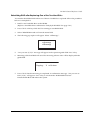
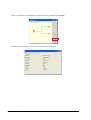
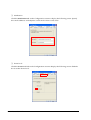
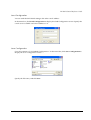
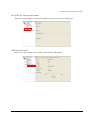
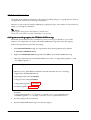
5. The [Confirm the Desktop Change] screen is displayed. Click the [OK] button.
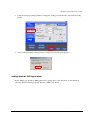
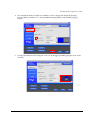
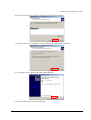
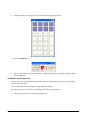
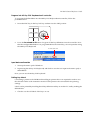
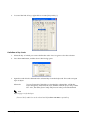
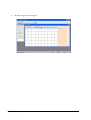
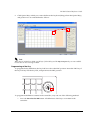
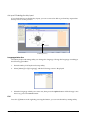
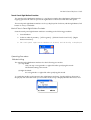
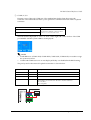
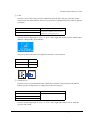
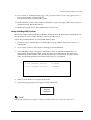
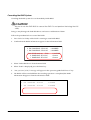
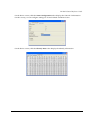
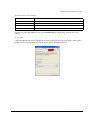
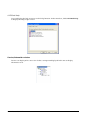
6. Each monitor displays the same content.
2-12 OS and Drivers
Rev. D