1
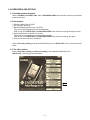
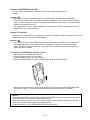
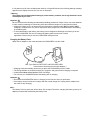
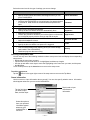
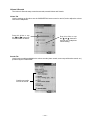
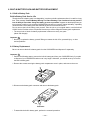
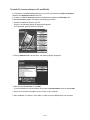
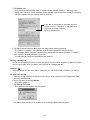
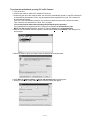
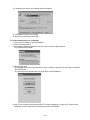
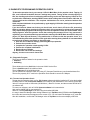
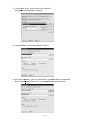
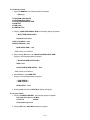
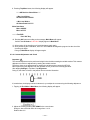
8. Completing the backup, the following display will appear.
9. Click OK according to the message.
10. Extension of the backup files is .bin.
To restore data backed up to a computer
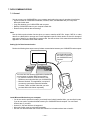
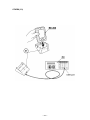
1. Connect the AC adapter to the CASSIOPEIA.
2. Press the [Power] button.
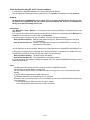
3. While holding down the [OK] button, use the stylus to press the [Reset] button.
• This enters the Safe Mode.
4. Tap the [OK] button.
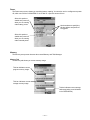
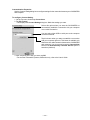
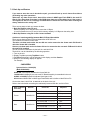
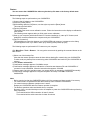
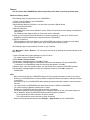
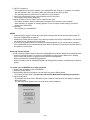
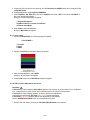
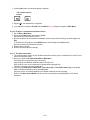
• This displays the touch screen calibration screen. Follow the instructions on the display to calibrate
the touch screen.
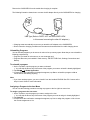
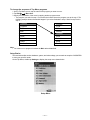
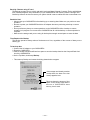
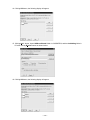
• The following screen appears after you finish touch screen calibration.
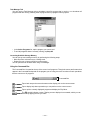
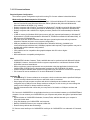
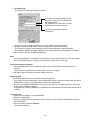
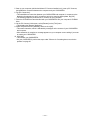
5. Start up your computer (which should have PC Connect installed on it), start up PC Connect, and
establish a connection between the computer and your CASSIOPEIA.
— 42 —