1
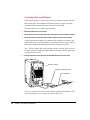
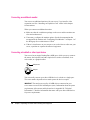
Connecting the mouse and keyboard / 12
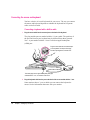
Connecting a keyboard with a built-in cable / 12
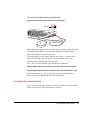
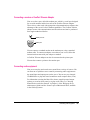
Connecting a keyboard with a separate cable / 13
Connecting other external devices / 13
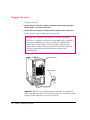
Plugging in the server / 14
Turning the server on / 15
Problems turning on your server? / 17
Turning the server off / 18
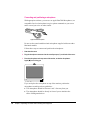
Using the Shut Down command / 18
2 Connecting to the Network / 19
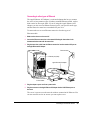
Connecting to an Ethernet network / 20
Connecting to twisted-pair Ethernet / 21
Connecting to a thin coaxial Ethernet / 22
Connecting to other types of Ethernet / 23
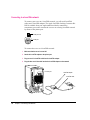
Connecting to a LocalTalk network / 24
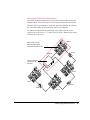
Building a high-performance network / 25
Creating a high-performance Ethernet segment / 26
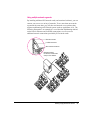
Using multiple network segments / 27
Setting up multihoming / 28
Use a router to connect each network segment / 28
Have users select the server in their own zone / 29
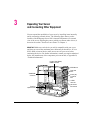
3 Expanding Your Server and Connecting Other Equipment / 31
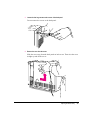
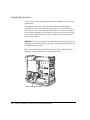
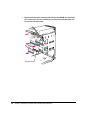
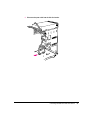
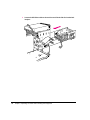
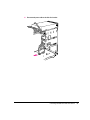
Opening the server safely / 32
Installing an expansion card / 34
Power requirements / 34
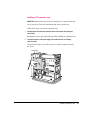
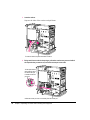
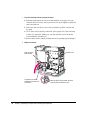
Installing a PCI expansion card / 35
Upgrading the processor / 40
iv
Contents