1
DVD Setup Menu
Note
• Default setting: Off
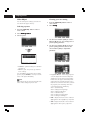
If you play a CD or Super Audio CD while
Pure Mode, Mode1 or Mode2 is selected,
then Display, Video Out and Digital Out
shut off automatically. And if you push the
FL OFF button on the front panel or DIMMER button on the remote control during
the Pure Mode ON, for three seconds, only
Display is displayed. Display and Video Out
are on, and Digital Out is off during Stop.
• When the video output has been set to Off in
Pure Mode and CD or Super Audio CD have
been played, audio cannot be output from
HDMI.
English
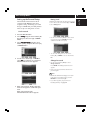
Pure Mode
6
• During Pure Mode operation, part of the
functions cannot operate.
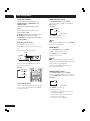
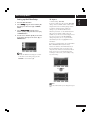
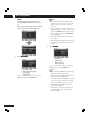
Auto Power Off
• Default setting: On 30 Min
Depending on the disc, it may not operate
normally. If this happens, use it after turning
off Pure Mode.
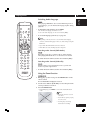
If On 30 Min is selected, the standby mode
is automatically selected to save power if the
player is left in the Stop mode for about 30
minutes.
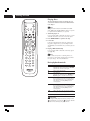
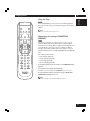
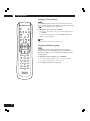
Press ENTER
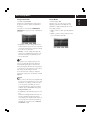
Economy Mode
• Default setting: On
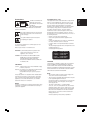
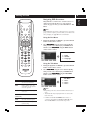
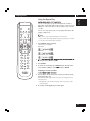
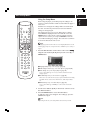
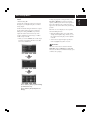
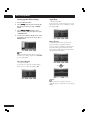
Select Mode1 or Mode2 using the cursor buttons
(5/∞), then press the cursor button (3) or
ENTER.
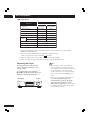
This setting is for customized installation.
Please do not touch this setting.
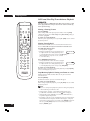
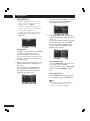
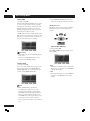
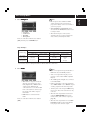
Select the item you want to set to Off when you
want to play back a CD or Super Audio CD.
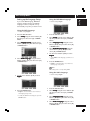
• Mode1 default settings
Display, Video Out and Digital Out are all Off.
• Mode2 default settings
Video Out and Digital Out are Off.
51