1
M580.book Page 176 Tuesday, January 17, 2012 9:48 AM
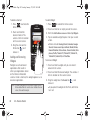
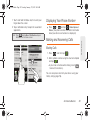
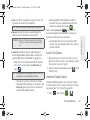
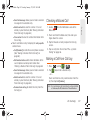
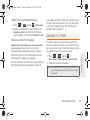
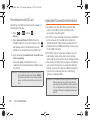
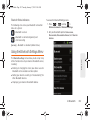
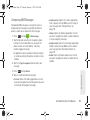
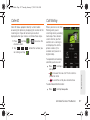
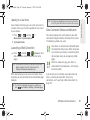
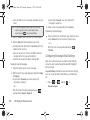
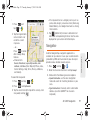
To create a My Favorites location from a Recent Place
1. Press
and tap
>
Favorites > New > Recent Places.
> Drive To > My
and tap Save.
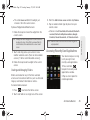
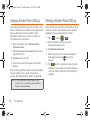
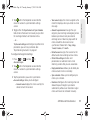
Recently queried locations can be saved to your My
Favorites list and also shared with other cellular
devices.
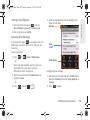
>
> Drive To >
Recent Places.
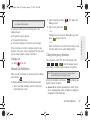
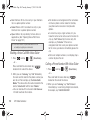
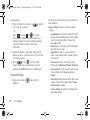
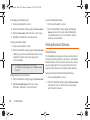
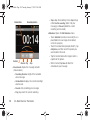
2. Press and hold the address to share.
3. Tap Share. Choose from Select from Contacts or
Enter Phone Numbers.
4. Touch Send to complete the delivery process.
176
3D. GPS Navigation
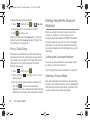
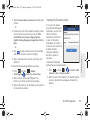
and tap
>
>
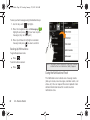
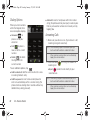
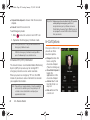
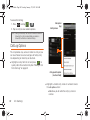
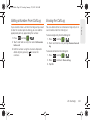
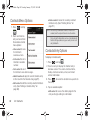
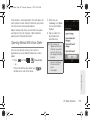
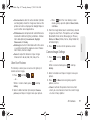
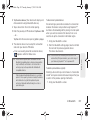
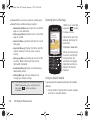
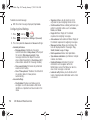
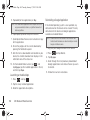
2. Touch an entry to change its current setting:
䡲
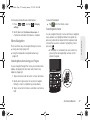
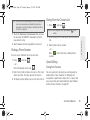
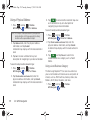
Sharing a Recent Location with Others
and tap
1. Press
> Settings.
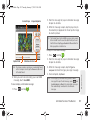
2. Tap a previous destination location from the list
1. Press
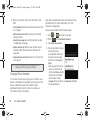
Configuring Your Navigation Preferences
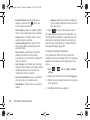
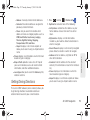
Profile: allows you to add personal information
registered with the service.
● Phone: contains your device phone number
by default and cannot be altered.
● Name: allows you to alter the current first and
last name registered with the service.
● Email: allows you to create an associated
email account for this application.
䡲 General: allows change general settings,
including:
● Language: allows you to assign a current
language. Default is English (US).
● Distance Units: allows you to alter the
descriptions used for distances: Km/Meters or
Miles/Feet.