1
SystemAdminEn.book Page 16 Wednesday, January 15, 2003 11:01 AM
Navigation and Editing During Programming
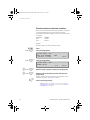
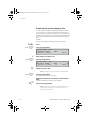
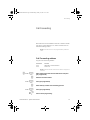
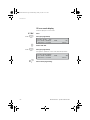
To switch between commands or individuals:
c/i
Press (see display).
When C is indicated in the display, the command can be stepped to
the next or preceding command number via backward or
forward. Useful if you want to change many commands for one
extension.
When I is indicated in the display, the individual value (extension or
trunk number) can be stepped to the next or preceding value via
backward or forward. Useful if you want to change many
extensions or trunk numbers for the same command.
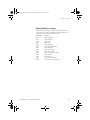
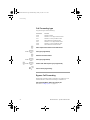
Commands with extra data field
Enter
Ô
When > is indicated to the far right in the display:
Press to view the next data field (pre-programmed).
Copy function
An entered value for an extension or trunk can be copied to an
optional number of other extensions or trunks. This is useful when,
for example, several extensions should have the same categories
or key functions. In Programming mode:
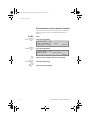
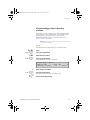
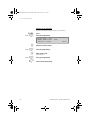
copy
Press to access the Copy function (see display).
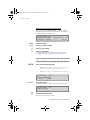
The display shows:
z
Enter
16
Ô
z
12 May 10:35
COPY:
,
+15°
-
pf_3
return
Enter the command to be copied.
Note: It is possible to copy all commands of a command
group, see “Several command groups and records” on
page 17.
Press (pre-programmed).
Enter directory number.
The extension or trunk that is to serve as reference for copying.
BusinessPhone – System Administrator