1
2.
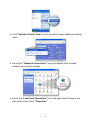
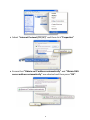
Click “Switch to Classic View” in the top left to show additional setting
icons.
3.
Locate the “Network Connections” icon and double-click to open
network connection settings.
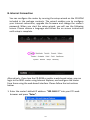
4.
Select the “Local Area Connection” icon and right-click it to open the
sub-menu, then select “Properties”.
8