1
CD-ES600V
Notes:
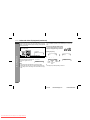
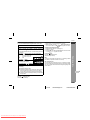
" Operations may be different from the above in the P.B.C. mode.
" Pictures are shown intermittently and no sound is heard during
fast forward or fast reverse on video CDs.
" During fast forward/fast reverse, no sound is produced. Images
may be distorted or become noisy, or discolouration may occur.
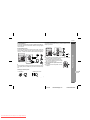
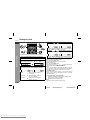
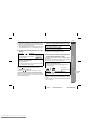
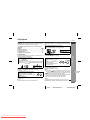
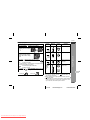
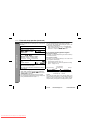
! To move the menu screen (menu screen with
more than 1 page) (Video CD with P.B.C. only)
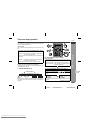
! Playback of a video CD (CDs) with P. B. C. (Version 2.0)
Note:
This function may not work, depending on the disc.
2
Press the
/
(
SELECT/RESUME) button.
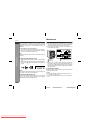
A menu will appear on the TV and playback will be paused.
<TV screen>
1
2
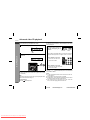
Select the desired menu number using the direct search
buttons on the remote control.
" Playback will begin.
" After playback has finished, the menu will reappear. Select
the menu number you want to play.
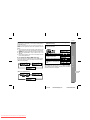
To move to the next menu screen:
Whilst in the stop mode, press the
button.
To return to the previous menu screen:
Whilst in the stop mode, press the
button.
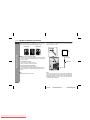
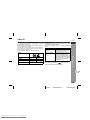
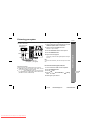
! To play without activating the playback control
function (Video CD with P.B.C. only)
You can play a video CD with P.B.C. without activating the playback
control function.
In this case, the menu screen will not appear, and the disc will be
played in the same way as a video CD without P.B.C.
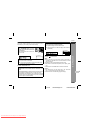
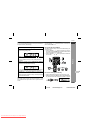
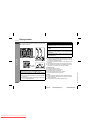
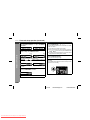
1
To stop the current operation and return to the menu:
Press the ( /RETURN) button for less than 0.5 seconds.
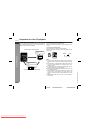
Whilst in the stop mode, press the P.B.C (P.B.C AUTO/OFF)
button to cancel the P.B.C. mode.
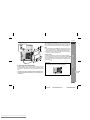
The P.B.C. function cannot be cancelled whilst the menu
screen is displayed.
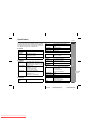
<TV screen>
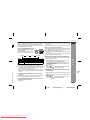
To completely stop the video CD:
Hold down the ( /RETURN) button for more than 1 second.
The P.B.C. function will not work in the following conditions.
When repeat, random, programme, direct track search, bookmark,
resume, disc digest, track digest or time search play has been
selected and playback begins.
Disc Playback
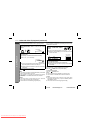
1
ENGLISH
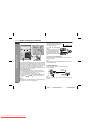
PBC OFF
2
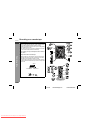
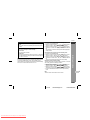
Press the
/
(
4
SELECT/RESUME) button.
Playback will begin.
Notes:
" The P.B.C. function can also be cancelled whilst in the playback
mode.
" Some video CDs with P.B.C. cannot be played back when the
P.B.C. mode is off.
E-20
04/2/23
Downloaded From Disc-Player.com Sharp Manuals
CD-ES600V(Z)E2.fm
TINSZA060AWZZ