1
8512634.book Page 33 Monday, August 6, 2007 2:57 PM
www.emachines.com
Playing audio and video files
Windows Media Player can play several types of audio and video files, including WAV, MIDI, MP3,
AU, AVI, and MPEG formats. For more information about using Windows Media Player, click Help.
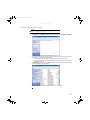
To play a file using Windows Media Player:
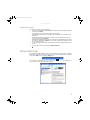
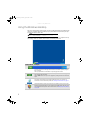
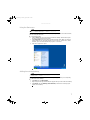
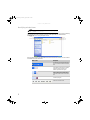
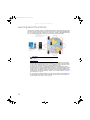
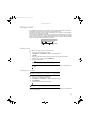
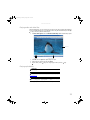
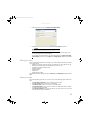
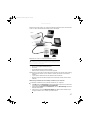
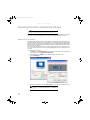
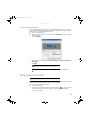
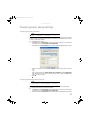
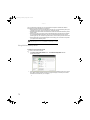
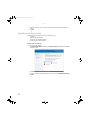
1 Click Start, All Programs, then click Windows Media Player. Windows Media Player opens.
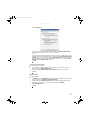
Video screen
Play Stop
Video file information
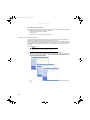
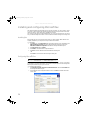
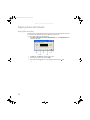
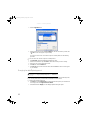
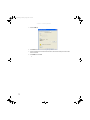
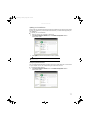
2 Click File, then click Open. The Open dialog box opens.
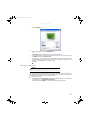
3 Click the file you want to play, then click Open.
4 Play the file by clicking (play), then stop playing the file by clicking
(stop).
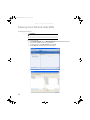
Playing optical discs
Important
Some music CDs have copy protection software. You may not be able to play these
CDs on your computer.
Important
To watch a DVD you must have a DVD drive in your computer. If you do not have a
DVD drive and would like to add an internal or external drive, visit the Accessory Store at
www.emachines.com.
Help
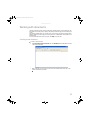
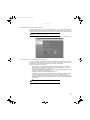
For more information about playing optical discs, click Start, then click Help and
Support. Type playing CDs or playing DVDs in the Search box, then press ENTER.
You can play optical discs using Windows Media Player.
33