1
UTT Technologies
Chapter 3 Quick Setup
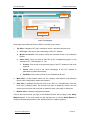
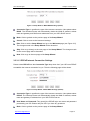
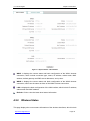
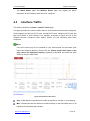
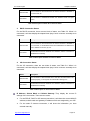
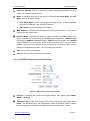
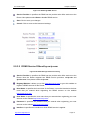
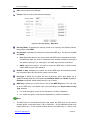
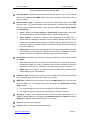
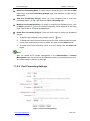
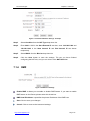
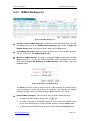
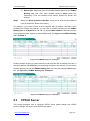
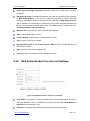
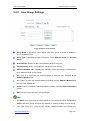
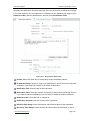
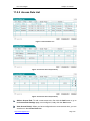
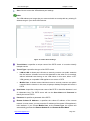
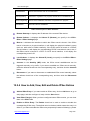
via the Setup Wizard, select this check box.
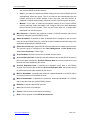
3G Client: If you want to configure a 3G Internet connection via the Setup Wizard,
select this check box. Here the Wireless Router acts as a 3G client.
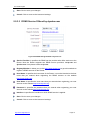
AP Client: If you want to configure a wireless Internet connection via the Setup
Wizard, select this check box. Here the Wireless Router acts as an AP client.
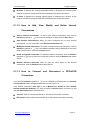
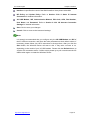
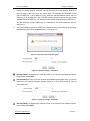
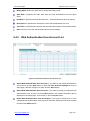
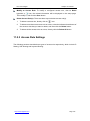
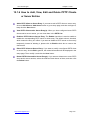
Back: Click to go back to the previous page of the Setup Wizard.
Cancel: Click to revert to the last saved settings.
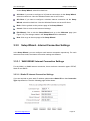
Exit Wizard: Click to exit the Setup Wizard and go to the Welcome page (see
Figure 3-5). The changes made in the Setup Wizard will be discarded.
Next: Click to go to the next page of the Setup Wizard.
3.3.3
Setup Wizard - Internet Connection Settings
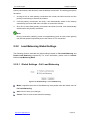
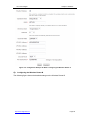
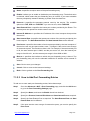
In the Setup Wizard, you can configure each Internet connection respectively. For each
Internet access mode, the Internet connection settings are different.
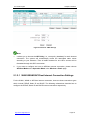
3.3.3.1 WAN1/WAN2 Internet Connection Settings
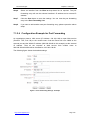
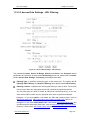
For the WAN1 or WAN2 Internet connection, there are three connection types: PPPoE,
Static IP and DHCP.
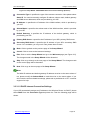
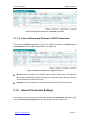
3.3.3.1.1 Static IP Internet Connection Settings
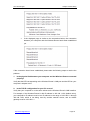
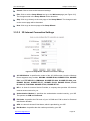
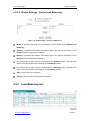
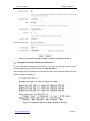
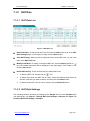
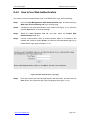
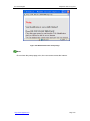
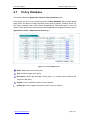
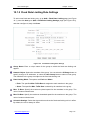
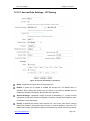
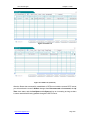
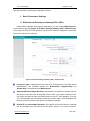
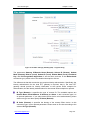
If you are required to use a static IP address, please select Static IP from the Connection
Type drop-down list. Then the following page will be shown.
http://www.uttglobal.com
Page 25