1
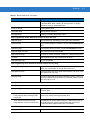
Symbologies 10 - 13
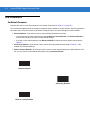
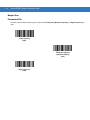
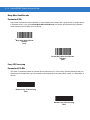
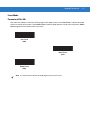
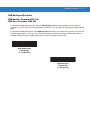
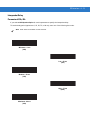
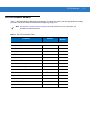
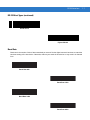
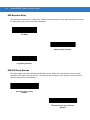
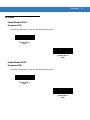
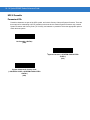
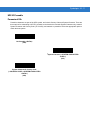
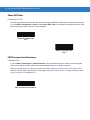
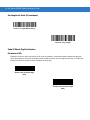
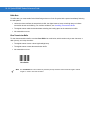
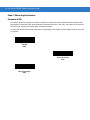
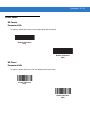
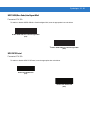
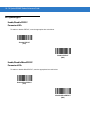
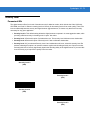
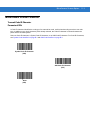
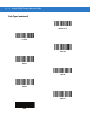
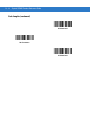
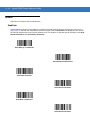
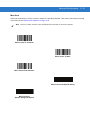
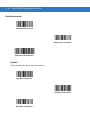
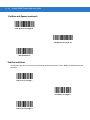
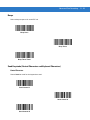
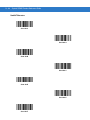
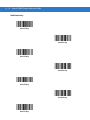
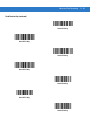
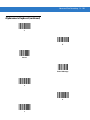
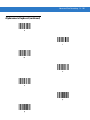
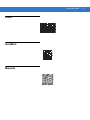
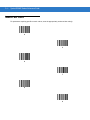
User-Programmable Supplementals
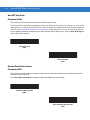
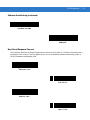
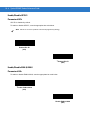
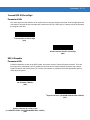
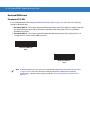
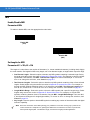
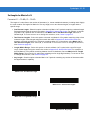
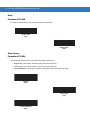
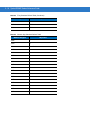
Supplemental 1: Parameter # F1h 43h
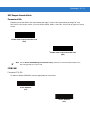
Supplemental 2: Parameter # F1h 44h
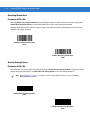
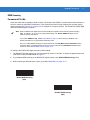
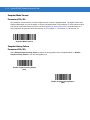
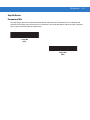
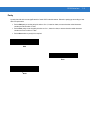
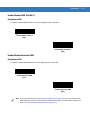
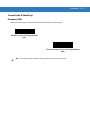
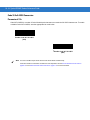
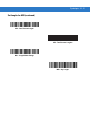
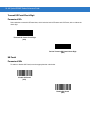
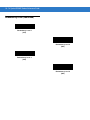
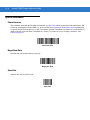
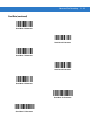
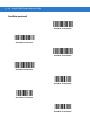
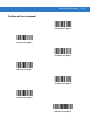
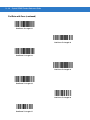
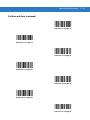
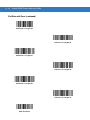
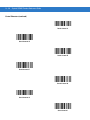
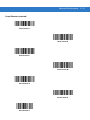
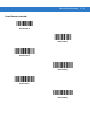
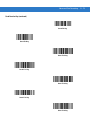
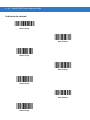
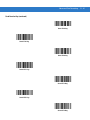
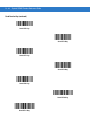
If you selected a Supplemental User-Programmable option from Decode UPC/EAN/JAN Supplementals on page
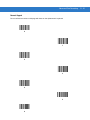
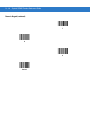
10-10, select User-Programmable Supplemental 1 to set the 3-digit prefix. Then select the 3 digits using the
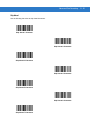
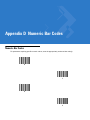
numeric bar codes beginning on page D-1. Select User-Programmable Supplemental 2 to set a second 3-digit
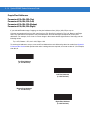
prefix. Then select the 3 digits using the numeric bar codes beginning on page D-1.
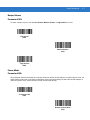
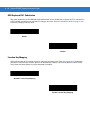
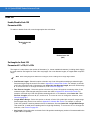
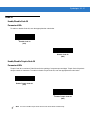
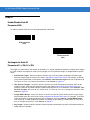
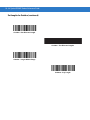
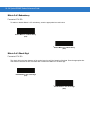
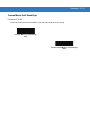
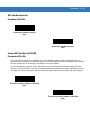
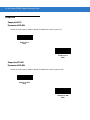
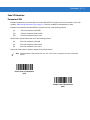
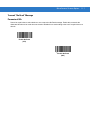
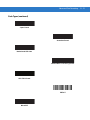
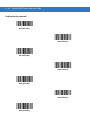
User-Programmable Supplemental 1
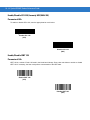
User-Programmable Supplemental 2
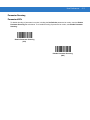
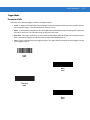
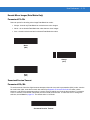
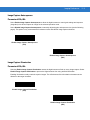
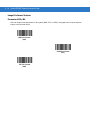
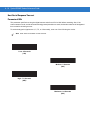
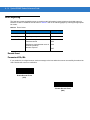
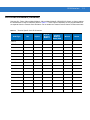
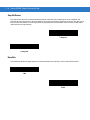
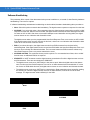
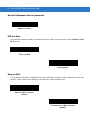
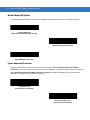
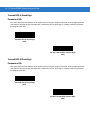
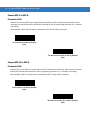
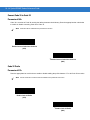
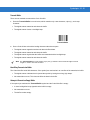
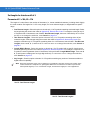
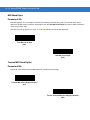
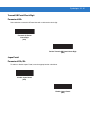
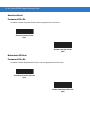
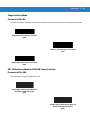
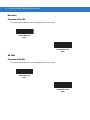
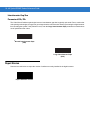
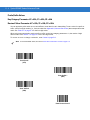
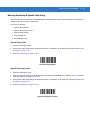
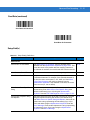
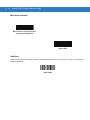
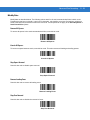
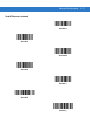
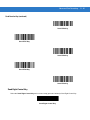
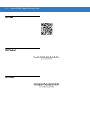
UPC/EAN/JAN Supplemental Redundancy
Parameter # 50h
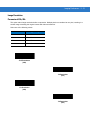
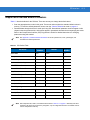
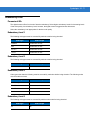
If you selected Autodiscriminate UPC/EAN/JAN Supplementals, use this option to adjust the number of times to
decode a symbol without supplementals before transmission. The range is from two to thirty times. For best
performance, select five or above when decoding a mix of UPC/EAN/JAN symbols with and without supplementals.
The default is 10.
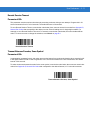
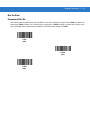
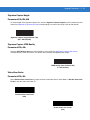
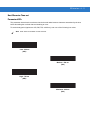
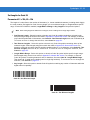
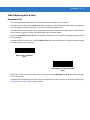
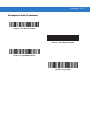
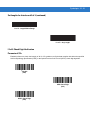
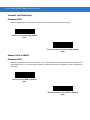
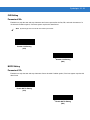
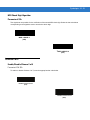
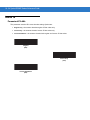
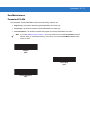
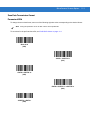
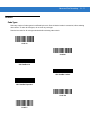
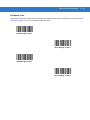
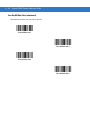
Scan the bar code below to set a decode redundancy value. Next, scan two numeric bar codes in Appendix D,
Numeric Bar Codes. Enter a leading zero for single digit numbers. To correct an error or change a selection, scan
Cancel on page D-3.
UPC/EAN/JAN Supplemental Redundancy