1
C.3.1
Boot Mode Selection
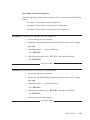
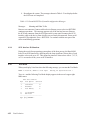
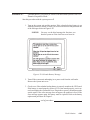
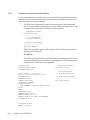
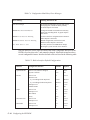
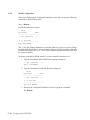
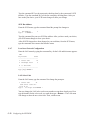
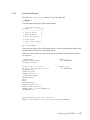
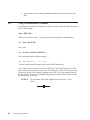
With the Configuration Control Mode menu displayed, type the number key command
2 < Return >
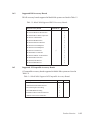
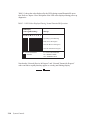
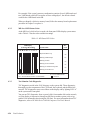
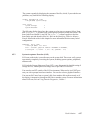
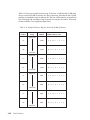
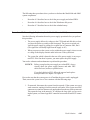
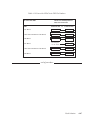
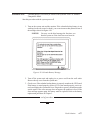
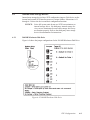
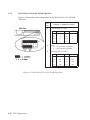
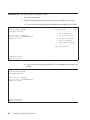
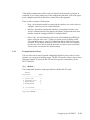
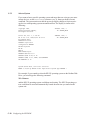
and this Boot Mode Selection menu appears:
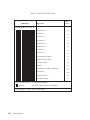
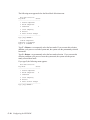
Boot Mode Selection
Keys Mode
Status
----------------------------1 Domain Compatible
2 HP-UX Compatible
3 Undefined
P
C Clear temporary
E Execute
A Abort without changes
----------------------------Type [key] RETURN ?
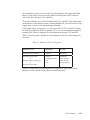
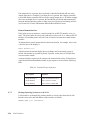
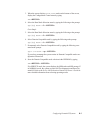
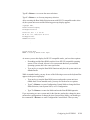
The number keys are used to select one of the compatibility modes. Letter keys are the
control keys for the menu. A C is used to clear any mode’s temporary status that’s indicated by a T in the status column. The E key is used to execute the menu and store
the status information in the EEPROM. If the status is correct, you may type the A key
to abort the Boot Mode Selection without changing it.
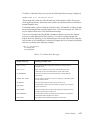
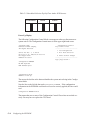
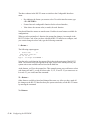
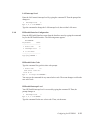
Below the menu, is the following prompt line:
Type [key] RETURN ?
Type the key, either letter or number. Then, press < Return > to complete the command.
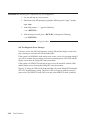
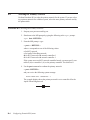
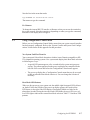
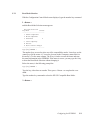
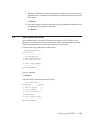
Type the number key command to select the HP-UX Compatible Boot Mode:
2 < Return >
Configuring the EEPROM
C-9