1
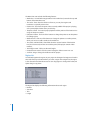
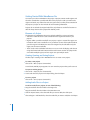
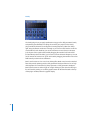
To add mastering information to a project:
1 Choose Disc > Mastering Notes to show the Mastering Notes window.
2 Click the tab for the category to which you want to add information.
3 Type the information in the appropriate field.
4 Click Apply to dismiss the window.
Burning the CD
After completing the steps outlined in “Getting Ready to Burn a CD” on page 39, you
are ready to burn the project to a CD.
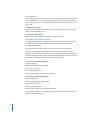
To burn a project to a CD, do one of the following:
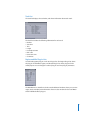
1 Choose Burn > Burn Disc, or click the Burn button.
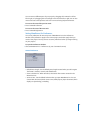
The Burn dialog appears, with the name of the CD burner listed in the dialog. If you
have not previously inserted a blank CD-R in the tray of the CD burner, the Burn dialog
prompts you to insert a blank CD-R.
2 Insert a blank CD-R in the CD burner tray, if you have not already done so.
Note: The CD-R must be blank. WaveBurner Pro does not support burning a CD-R
containing other CDDA sessions.
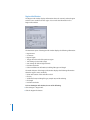
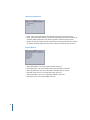
3 In the Burn dialog, click Burn.
The Burn dialog displays the progress of the burn process. When the burn process is
complete, the CD is ejected.
Note: Be sure to add the title of the CD to the project before burning it to a CD. After
the CD is burned, you cannot change the title or any other information on the CD.
41