1
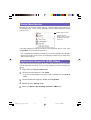
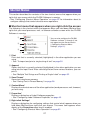
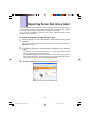
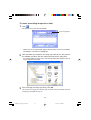
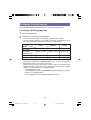
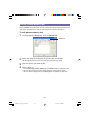
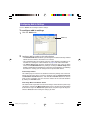
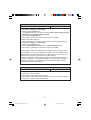
To access help from the status area icon
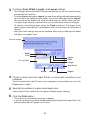
1
Right-click the FA-B30 icon in the status area.
2
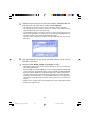
Click Help and then Search by Topic.
➜
FA-B30 icon
3
This displays a Windows help screen.
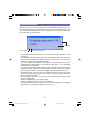
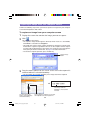
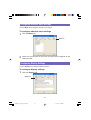
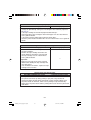
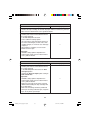
To view version information
1
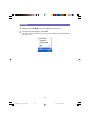
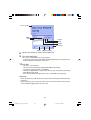
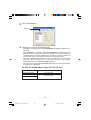
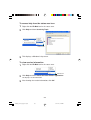
Right-click the FA-B30 icon in the status area.
FA-B30 icon
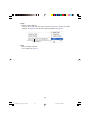
2
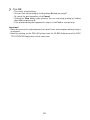
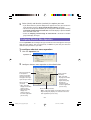
Click Help and then About the Label Printer Application.
3
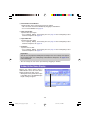
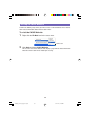
After viewing the version information, click OK.
This displays version information.
58
FAB30_Ver1.02_E_p57-67.p65
58
04.11.22, 11:44 AM