1
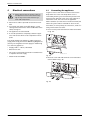
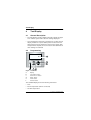
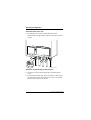
Details of the appliance
1
1.1
Details of the appliance
1.3
EC Declaration of Conformity
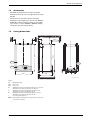
• Wall-mounted appliance, siting not dependent on
room size
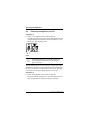
This appliance is in accordance with the applicable
requirements of the Gas Appliance Directive, Boiler Efficiency Directive, Electromagnetic Compatibility Directive and the Low Voltage Directive.
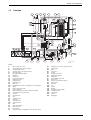
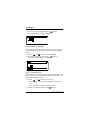
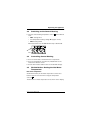
Description of appliance
• Natural gas models are low-emission appliances
• Multi function display
• Bosch Heatronic control system with integrated text
display for service functions and faults
• 3-channel - digital timer for one heating circuit
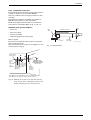
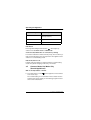
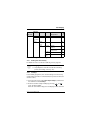
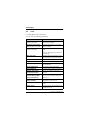
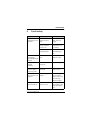
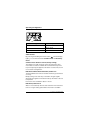
PIN
CE-0085 BL0507
Category UK
II2H 3P
• Automatic ignition
Appliance Type
C13, C 33
• Modulating control
• Variable pump
• Full safety systems incorporating Bosch Heatronic
with flame ionisation monitoring, solenoid valves and
temperature sensors
Table 1
1.2
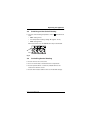
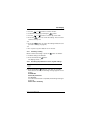
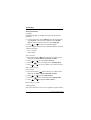
Standard package
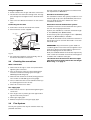
• Gas condensing combination boiler for central heating and domestic hot water
• Control panel cover
• Wall mounting frame
• Room thermostat TR2
• Fixings (screws etc.)
• Set of documentation for appliance
• Pre-plumbing manifold
• Condensate drain pipe
• Filling loop.
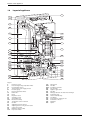
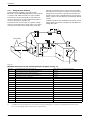
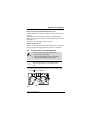
• Concentric flue/air duct with testing point for
CO2/CO
• Regulated speed fan
• Pre-mix burner
• Temperature control for central heating
• Temperature sensor in domestic hot water
• Safety temperature limiter in 24 V electrical circuit
• Relief valve, pressure gauge, expansion vessel, Auto
air vent
• Flue gas temperature limiter (105 °C)
• Hot water priority circuit
• Motorised 3-way valve
• Plate-type heat exchange
• Condensate Trap.
4
6 720 611 447 GB (03.11)