1
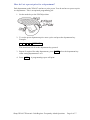
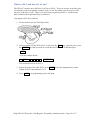
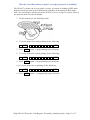
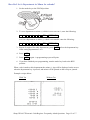
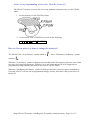
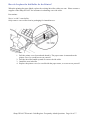
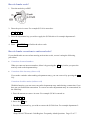
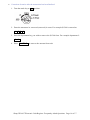
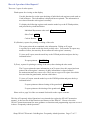
Correction of entries after the transaction has been finalised. 1. Turn the mode key to position 2. Enter the amount to be corrected (removed) in cents. For example $15.00 is entered as: -1- 5 0 0 3. Press the department key you wish to remove the $15.00 from. For example department 2: _2 6 _ 4. Press TL/AT/NS to remove the amount from cash. Sharp XEA107 Electronic Cash Register: Frequently Asked Questions Page 16 of 17