1
238 UNDERSTANDING YOUR INSTRUMENT PANEL
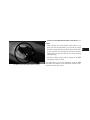
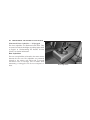
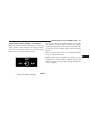
Driver-Selectable Surround Sound (DSS) – If
Equipped
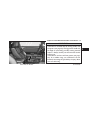
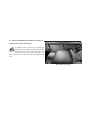
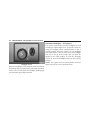
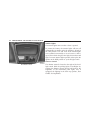
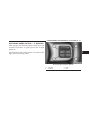
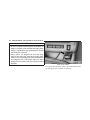
Press and release the MENU button until “Surround
Sound” displays in the EVIC. The EVIC provides information on the current surround mode.
• Stereo
• Surround Sound
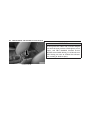
While in the Surround Sound menu, press the SELECT
button to change surround modes. The Video Surround
Mode will only be available for video media sources
(DVDs, Video CDs, or other video media supported by
the radio).
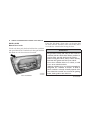
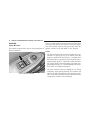
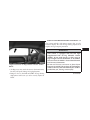
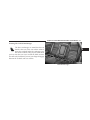
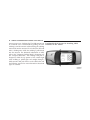
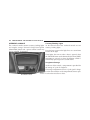
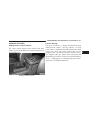
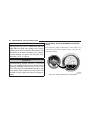
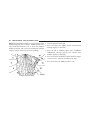
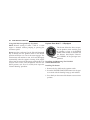
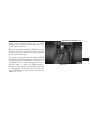
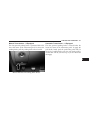
Compass Display
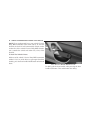
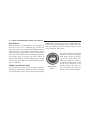
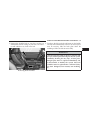
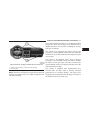
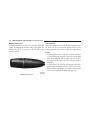
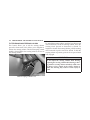
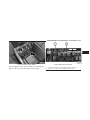
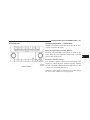
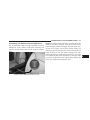
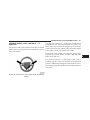
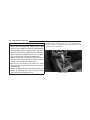
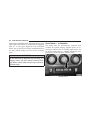
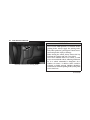
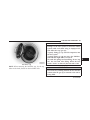
MENU Button
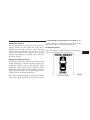
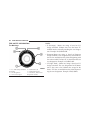
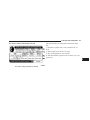
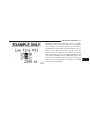
The compass readings indicate the direction
the vehicle is facing. Press and release the
MENU button until “Compass” displays in the
EVIC.
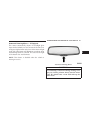
NOTE: The system will display the last known outside
temperature when starting the vehicle and may need to
be driven several minutes before the updated temperature is displayed. Engine temperature can also affect the
displayed temperature; therefore, temperature readings
are not updated when the vehicle is not moving.