1
UNDERSTANDING YOUR INSTRUMENT PANEL 259
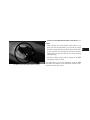
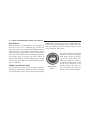
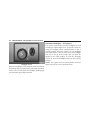
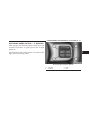
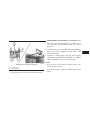
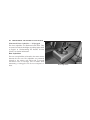
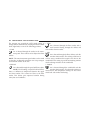
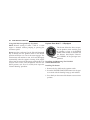
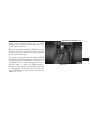
Push the rotary TUNE/SCROLL control knob a third
time and TREBLE will display. Turn the TUNE/SCROLL
control knob to the right or left to increase or decrease the
treble tones.
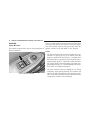
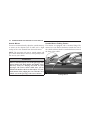
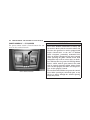
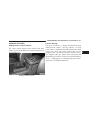
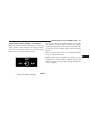
MUSIC TYPE Button
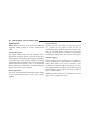
Pressing this button once will turn on the Music Type
mode for five seconds. Pressing the MUSIC TYPE button
or turning the TUNE/SCROLL control knob within five
Push the rotary TUNE/SCROLL control knob a fourth seconds will allow the program format type to be setime and BALANCE will display. Turn the TUNE/ lected. Many radio stations do not currently broadcast
SCROLL control knob to the right or left to adjust the Music Type information.
sound level from the right or left side speakers.
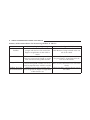
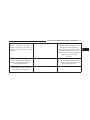
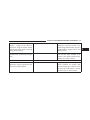
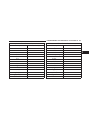
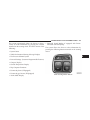
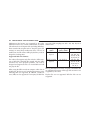
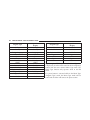
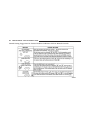
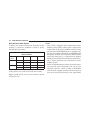
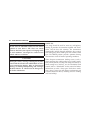
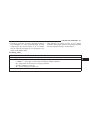
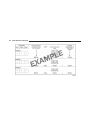
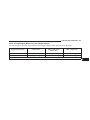
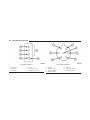
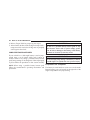
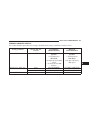
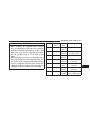
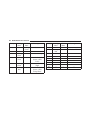
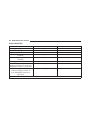
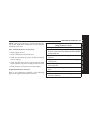
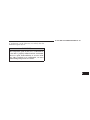
Toggle the MUSIC TYPE button to select the following
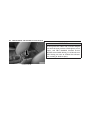
Push the rotary TUNE/SCROLL control knob a fifth time format types:
and FADE will display. Turn the TUNE/SCROLL control
knob to the left or right to adjust the sound level between
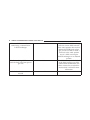
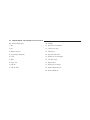
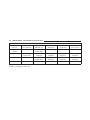
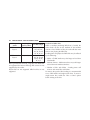
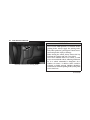
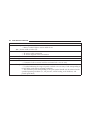
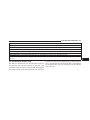
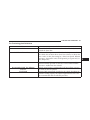
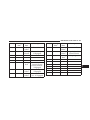
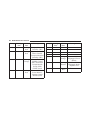
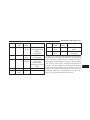
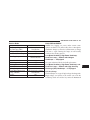
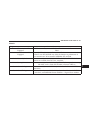
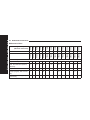
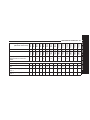
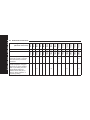
Program Type
the front and rear speakers.
No program type or unPush the rotary TUNE/SCROLL control knob again to
defined
exit setting tone, balance, and fade.
Adult Hits
Classical
Classic Rock
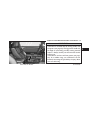
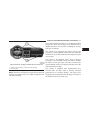
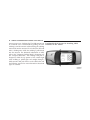
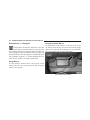
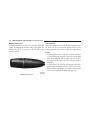
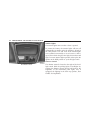
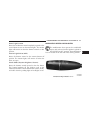
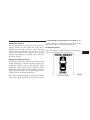
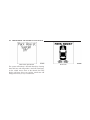
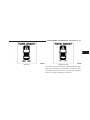
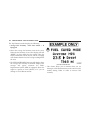
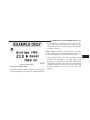
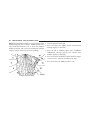
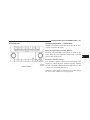
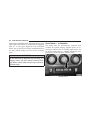
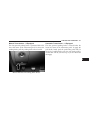
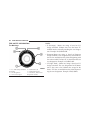
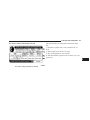
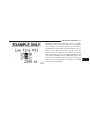
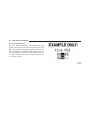
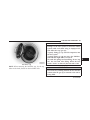
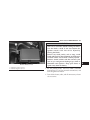
16-Digit Character
Display
None
Adlt Hit
Classicl
Cls Rock
4