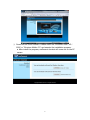
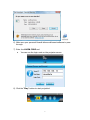
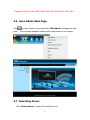
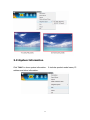
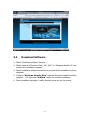
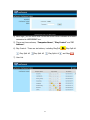
5) Download the client software. Please select the” Windows Vista / XP /
2000” or ”Windows Mobile 5.0” and execute the installation program.
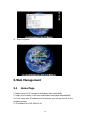
♦ After install the program, wePresent shortcut will come out on the PC
screen.
6