1
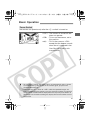
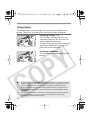
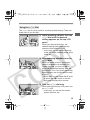
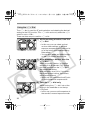
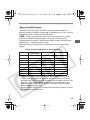
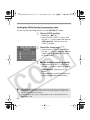
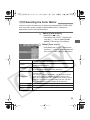
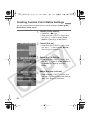
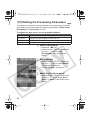
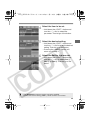
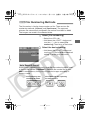
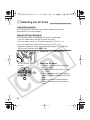
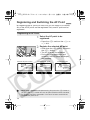
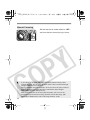
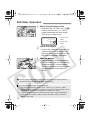
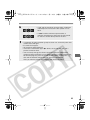
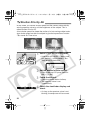
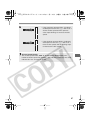
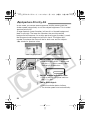
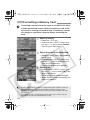
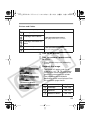
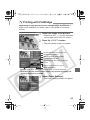
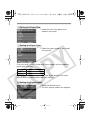
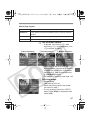
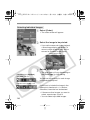
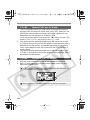
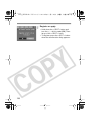
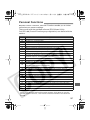
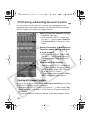
F11]QCA.0,dk 42 ɚĘȸ ƒƐƐƓஉƑƑרƒƑýվෙýؽعƔݰƔƘಠ Continuous Numbering The file numbering continues in sequence even after you replace the memory card. This prevents images from having the same file number, so image management with a personal computer is easier. File numbering after changing the folder Memory card 1 100 101 XXXX0001 XXXX0002 File numbering after replacing the memory card Memory card 1 Memory card 2 XXXX0001 XXXX0002 ¡ Even if the memory card still has space, shooting is not possible beyond file number 9999. If this happens, follow the instructions on the LCD monitor and hold down the <X> button and turn the <5> dial to select [OK]. A new folder will be created and you can continue shooting. To prevent any interruption in shooting, set the file numbering method to [M-Reset] beforehand. ¡ If the memory card in use has a DCIM folder, the file numbering might continue from the last image saved in the folder. File names A file name is assigned automatically to each image you capture. The file name consists of a unique, four-character camera code preset at the factory and a file number assigned automatically. The camera code cannot be changed. (Example) 5F9Z0001.jpg Forced reset (M-Reset) This creates a new folder automatically and starts the file numbering from XXXX0001. Subsequent images you capture are stored in this new folder. The file numbering method (auto reset or continuous numbering) will be the one that was set before forced reset. 64