1
F11]QCA.2,dk N_ec 74 Rfspqb_w* Bcack`cp /6* 0..1 /.816 ?K
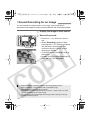
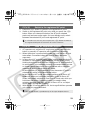
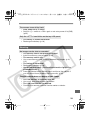
Bulb Exposures
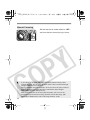
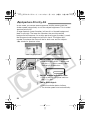
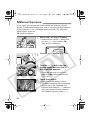
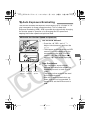
When bulb is set, the shutter stays open while you hold down the
shutter button fully. This method is called bulb exposure. Use bulb
exposures for night scenes, fireworks, etc., and other subjects requiring
long exposures.
1
w
q
e
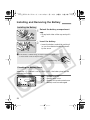
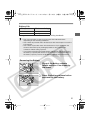
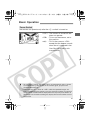
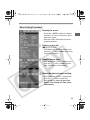
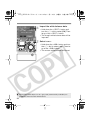
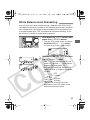
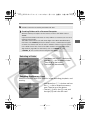
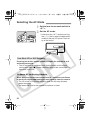
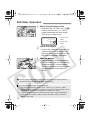
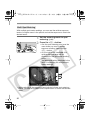
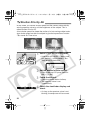
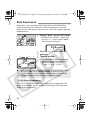
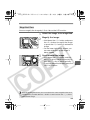
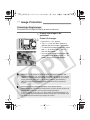
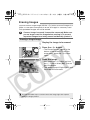
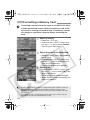
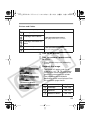
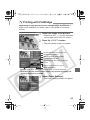
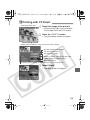
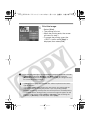
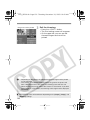
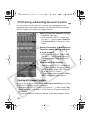
Display “buLb” on the LCD panel.
¡Hold down the <W> button and
turn the <6> dial to select “buLb”.
Then let go of the button.
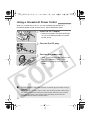
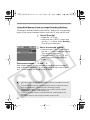
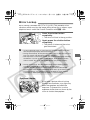
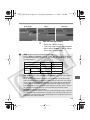
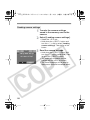
the <6> dial to set the
2 Turn
aperture.
the picture.
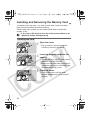
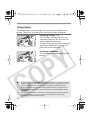
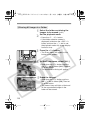
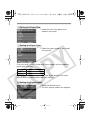
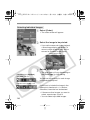
3 Take
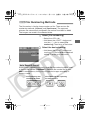
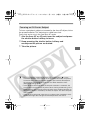
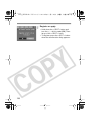
¡Press the shutter button completely.
s
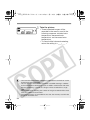
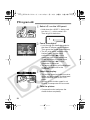
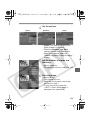
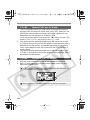
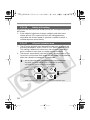
The elapsed exposure time will be
displayed on the LCD panel.
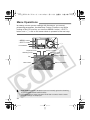
q: sec. , w: min. , e: hour
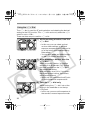
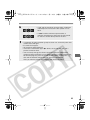
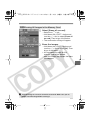
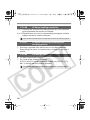
¡ Bulb exposures may result in grainy images due to picture noise. Under
the menu’s <z> tab, set [Noise reduction] to reduce the noise.
¡ For bulb exposures, using Remote Switch RS-80N3 or Timer Remote
Controller TC-80N3 (both sold separately) is recommended.
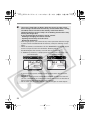
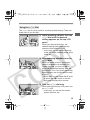
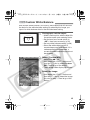
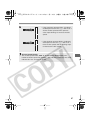
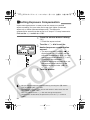
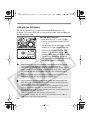
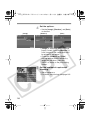
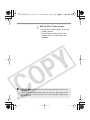
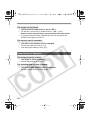
ULCD Panel Illumination
The <U> button on the upper right of the camera toggles the LCD
panel illumination on and off. To end the bulb exposure, release the
shutter button completely.
96