1
Operation
EL
IM
IN
A
R
Y
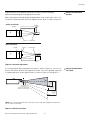
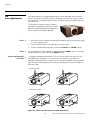
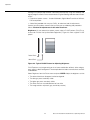
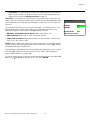
Contrast: On your external test pattern source, select a stepped, gray-bar pattern like the
one shown in Figure 4-4.
Figure 4-4. Typical Gray Bar Pattern for Adjusting Contrast
Select Contrast and press ENTER. Adjust the contrast to a point just below which the
white rectangle starts to increase in size.
Brightness and contrast controls are interactive. A change to one
may require a subtle change to the other in order to achieve the
optimum setting.
Note
blue
red
magenta
green
cyan
PR
yellow
gray
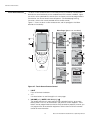
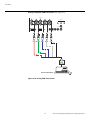
Color Saturation: On your external test pattern source, select a color bar pattern like the
one shown in Figure 4-5.
Figure 4-5. Typical Color Bar Pattern for Adjusting Color Saturation and Tint
Runco VX-4000d/VX-5000d Owner’s Operating Manual
45