1
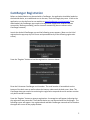
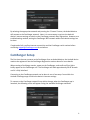
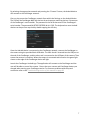
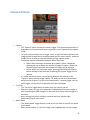
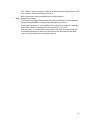
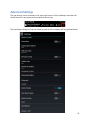
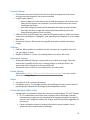
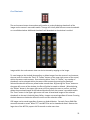
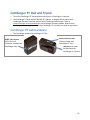
CamRanger Registration Before an Android device can be used with a CamRanger, the application should be loaded on the Android device, at no additional cost to the user, from the Google play store. A link to the application can also be found on our website at www.CamRanger.com/downloads. Once downloaded, the CamRanger app needs to be registered. Registration requires Internet connectivity. Before proceeding, confirm Internet connectivity (do not connect to the CamRanger network). Launch the Android CamRanger app and the following screen appears. (Note: on the initial registration the app may skip this screen and proceed directly to the following registration screen). Press the “Register” button to load the registration view seen below. Enter the 8-‐character CamRanger serial number. The serial number is located both on the bottom of the back cover as well as above the battery underneath the back cover. Note: The CamRanger does not need to be on during the registration step and the serial number contains only letters and NO numbers. Press the “Register” button to attempt registration. A message box will appear indicating that the registration was successful. The Android device can now be used with the CamRanger. The following screen will appear. Any registered and available CamRanger networks will be listed on the upper left corner of the popup window. 5