1
ThemisC1_GB_zentai_pre_FM.book Page 131 Thursday, July 28, 2005 2:09 PM
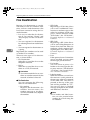
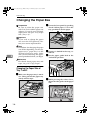
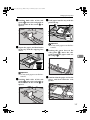
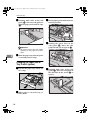
Changing the Paper Size
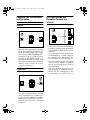
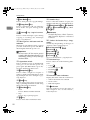
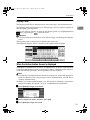
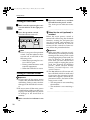
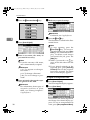
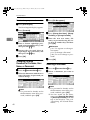
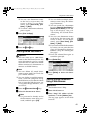
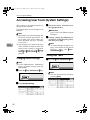
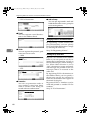
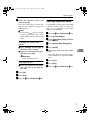
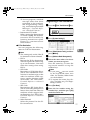
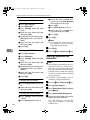
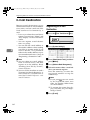
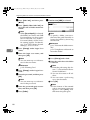
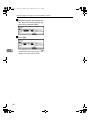
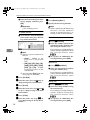
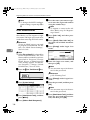
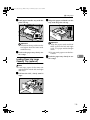
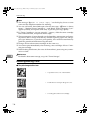
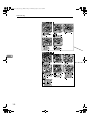
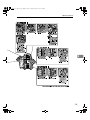
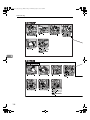
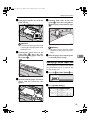
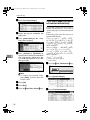
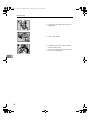
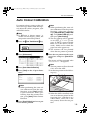
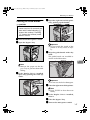
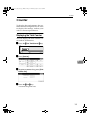
D Select the tray for which you want
to change the paper settings.
Note
❒ Press either of [Tray Paper Size:
Tray 1] to [Tray Paper Size: Tray 4].
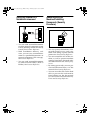
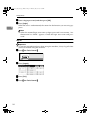
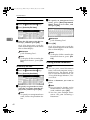
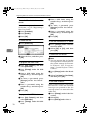
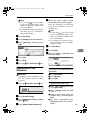
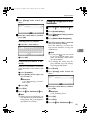
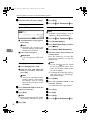
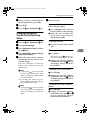
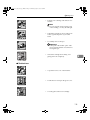
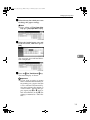
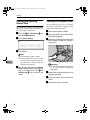
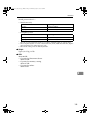
E Select the loaded paper size and
feed direction, and then press
[OK].
6
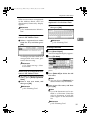
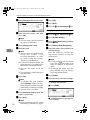
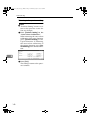
The set paper size and feed direction is displayed.
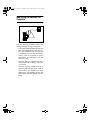
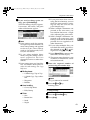
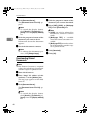
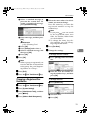
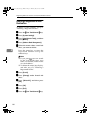
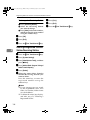
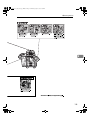
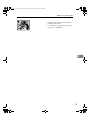
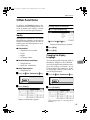
F Press the {User Tools/Counter}} key.
The initial display is shown.
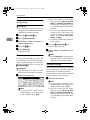
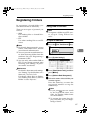
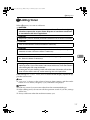
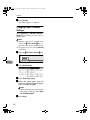
Important
❒ If you want to print on paper
that is selected automatically after printing on a paper size that
is not selected automatically,
you must return the setting to
“Auto Detect”. Reload the paper, repeat step A to D, and select “Auto Detect" in step E. The
setting is returned to “Auto Detect”.
131