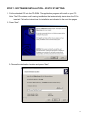
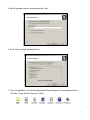
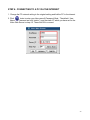
1
STEP 2: IP SETTING
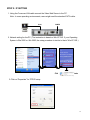
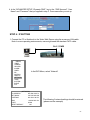
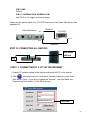
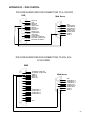
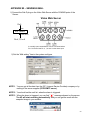
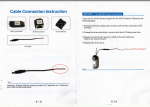
1. Using the Crossover LAN cable connect the Video Web Server to the PC.
Note : In some operating environments, users might need the standard CAT5 cable.
RJ-45
POWER
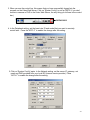
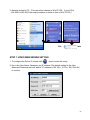
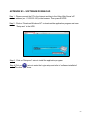
2. Network setting for the PC. (The instruction is based on Win XP O/S. If your Operating
System is Win 2000 or Win 2003, the setup procedure is similar to that of Win XP O/S.)
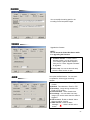
Click
twice
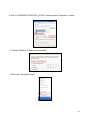
3. Click on “Properties” for TCP/IP setup
-8-