1
Waking the camera
18
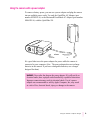
Using the camera with a power adapter
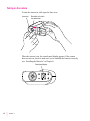
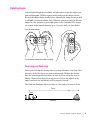
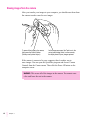
Traveling with the camera
19
20
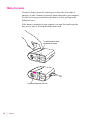
Using the battery booster pack with the camera
3 Using the Camera With Your Computer
Connecting the camera to your computer
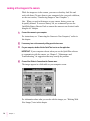
Looking at the images in the camera
21
22
24
Transferring images to your computer
Opening images on your computer
25
26
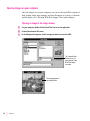
Opening an image in the image window
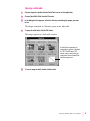
Opening a slide table
26
27
Working with your images
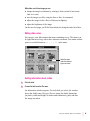
Editing slide names
28
29
Getting information about a slide
29
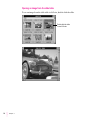
Opening an image from the slide table
Zoom views in the image window
30
31
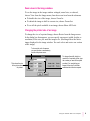
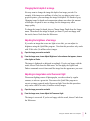
Changing the printed size of an image
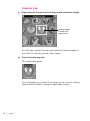
Cropping an image
20
31
32
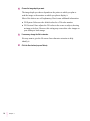
Changing the bit depth of an image
Adjusting the brightness of an image
33
33
Adjusting an image taken under fluorescent light
Copying an image to another application
Rotating an image
Saving an image
34
35
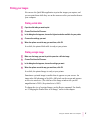
Printing your images
37
Printing a slide table
Printing a single image
iv
Contents
37
37
34
33