1
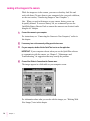
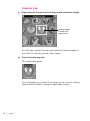
Crop
Trims an image to include only the part you’ve selected with the
selection rectangle.
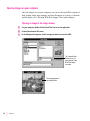
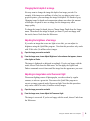
Change Image Depth
Lets you change the bit depth of the image in the image window. For
example, if you don’t need all the information contained in millions of colors,
changing to 256 shades of gray reduces the size of the file on your disk.
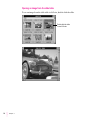
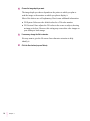
Create Slide
Creates a preview image so you can see images from other sources alongside
your QuickTake images in the slide table.
Sort Slides By
Lets you choose to sort slides in numerical order by date or alphabetical order
by name.
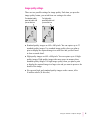
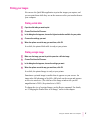
Adjust Brightness
Lets you lighten or darken an entire image. (You cannot select part of an
image to lighten or darken it.)
Adjust for Fluorescent Light
Allows you to remove the green tint caused by fluorescent light from an
entire image. (You cannot adjust selected parts of an image.)
46
Chapter 4