1
AirCard 763S Mobile Hotspot User Guide
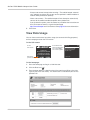
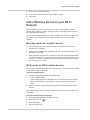
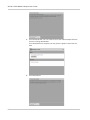
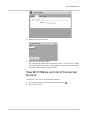
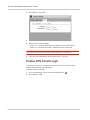
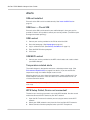
3. To disable the Wi-Fi radio, beside Enable Wi-Fi, select Off.
4. Click Ok to confirm.
View / Block Connected Users
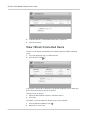
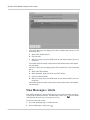
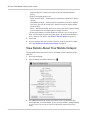
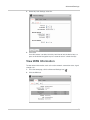
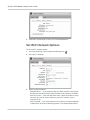
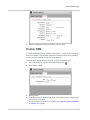
To view a list of devices connected to your mobile hotspot and block undesired
users:
1. On to the homepage, log in as Administrator.
2. Click the Wi-Fi icon(
).
If you notice a user or Wi-Fi device that you do not recognize, you can block that
device from connecting to your Wi-Fi network.
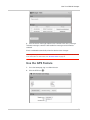
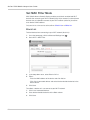
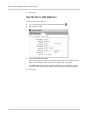
To block a user (or device):
1. Select the box beside the device in the Block column.
2. Click Save.
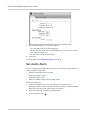
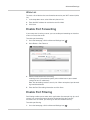
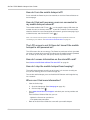
To unblock a user and allow that device access to your network:
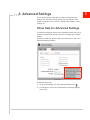
1. Click the Advanced Settings icon (
2. Select Wi-Fi > Mac Filter.
24
).