1
AirCard 763S Mobile Hotspot User Guide
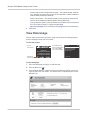
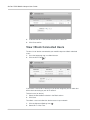
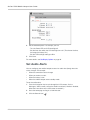
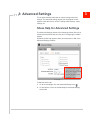
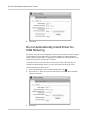
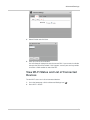
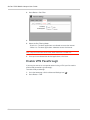
3. If desired, click the button to view a list of connected devices.
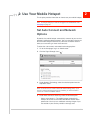
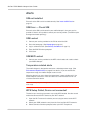
Set Wi-Fi Network Options
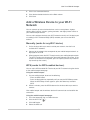
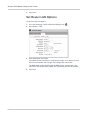
To set the Wi-Fi network options:
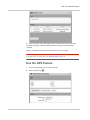
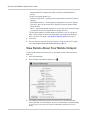
1. On to the homepage, click the Advanced Settings icon (
).
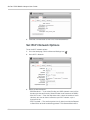
2. Go to Wi-Fi > Network.
3. Select the desired options.
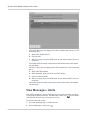
· SSID Broadcast — If you select Enable, your SSID (network name) will be
broadcast to everyone nearby. (Select Disable to not broadcast the SSID.)
· Max Wi-Fi users — From the drop-down menu, select the number of users
(devices) you want to allow to connect to your Wi-Fi network, up to a
maximum of 10.
· RTS Threshold — The smallest packet size (in bytes) used by the Request
to Send / Clear to Send handshaking protocol. The recommended value is
50