1
Converse 2025 2-Line ~ 4th Edition ~ 10th September ’02 ~ 4515
Using your Converse 2025
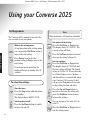
Settings menu
Note
When the headset is ON handsfree is disabled.
The Converse 2025's menu lets you select the
way you want to use your phone.
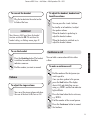
Set contrast of the display
USING YOUR PHONE
Dial/Enter
Delete
Prog
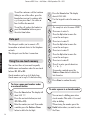
At any time when in the settings menu
you can press the Dial/Enter button to
move to the next setting.
Press Delete to go back to the
previous setting or Prog to move to the
next setting.
If you do not press any button, the
display will return to standby after 20
seconds.
Prog
▲
▲
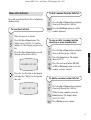
When in the settings menu:
Dial/Enter
Prog
Open the menu
▲
▲
▲
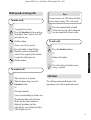
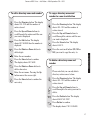
Press the Prog button while the phone
is in standby.
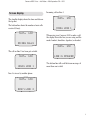
The display shows HEADSET OFF/ON.
Dial/Enter
Dial/Enter
▲
Prog
10
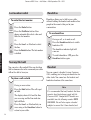
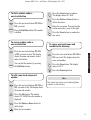
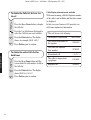
Press the Dial/Enter or Prog button.
The display shows SET TIME/DATE and
the hour setting will flash. The default
setting is 12.00am 1/01. (If you subscribe
to a Caller Display service, the time
and date will be set automatically when
your Converse 2025 receives its first
call, press the Prog button if you want
to skip setting the time and date.)
Press the Up and Down buttons to
increase or decrease the setting and
press the Dial/Enter button to move
between the settings.
You can also press 1 to enter AM, 2 to
enter PM.
Switch headset on/off
Press the Up/Down buttons to switch
between On and Off.
Press the Up/Down buttons to increase/
decrease the setting between 1-5.
Set time and date
Dial/Enter
To select the settings
Prog
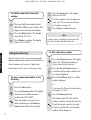
Press the Dial/Enter or Prog button.
The display shows SET CONTRAST. The
current setting will flash.
Press the Dial/Enter or Prog button to
exit the settings menu.