1
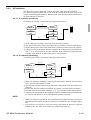
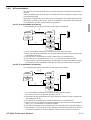
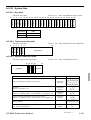
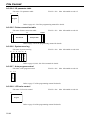
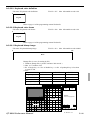
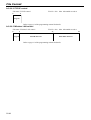
Application System
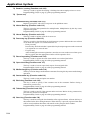
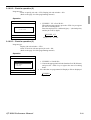
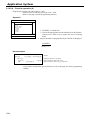
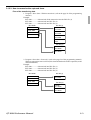
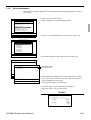
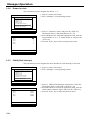
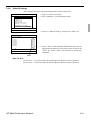
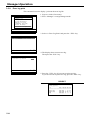
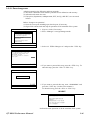
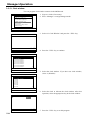
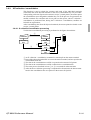
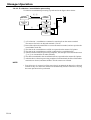
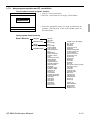
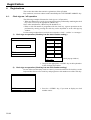
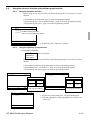
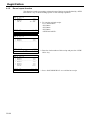
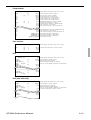
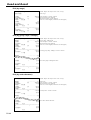
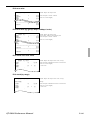
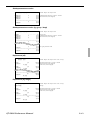
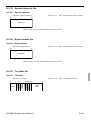
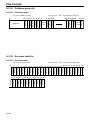
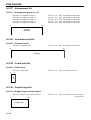
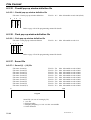
2-12-2. Set up the IDC start / end
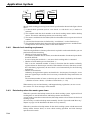
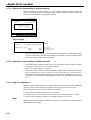
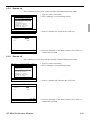
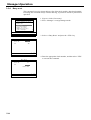
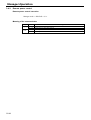
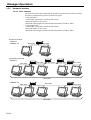
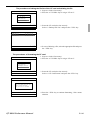
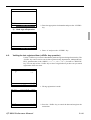
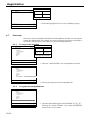
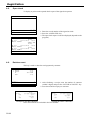
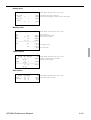
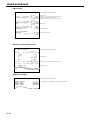
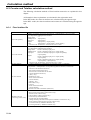
Specify IDC Start or IDC End in manager mode. IDC does not start if you not allocate
necessary files for IDC.
• When IDC function is stopped, you can restart IDC by performing FC or INIT 2
(Refer to the page 10 of the programming manual.)
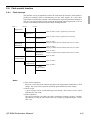
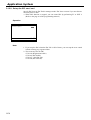
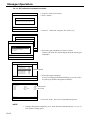
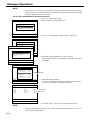
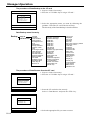
Operation
Item Data Capture
Item Data Capture
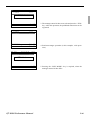
YES
0.00
Note:
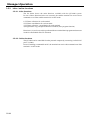
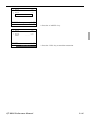
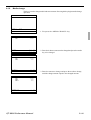
1. If you stop the IDC when the IDC file is full of items, you can stop the error sound
without clearing any registered data.
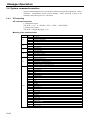
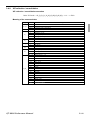
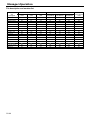
2. The necessary files for IDC
• File 036 (Registration buffer)
• File 063 (IDC buffer)
• File 057~ 059 (IDC file)
• File 804 (IDC link file)
R-70