1
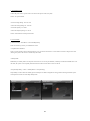
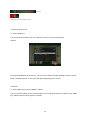
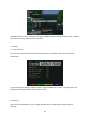
E. Hard DDisk Set Up
[ i: MENUU > Setup > System > Harddissk > Harddisk ssetup]
You can sset the durationn of time after wwhich HDD is t to be put into sttandby mode.
Here, youu can choose frrom No standb y
10 or 30 sseconds
1, 2, 5,10, 20, 30 minutees
1, 2, 4 hours.
Once youu set this optionn, press GREE N key to confirrm the change..
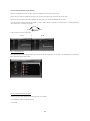
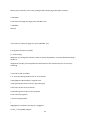
F. Front DDisplay Setup
[ i: MENUU > Setup > System > Displayy Setup]
There is aa 16 characterr dot matrix VFFD display on tthe front panel of ET 9000 . TThis display
shhows various i nformation
like the cuurrent menu, chhannel, HD icoon, and so on. YYou can adjustt the brightnesss of this
displayy using this meenu.
54
56