1
FIREBALL-MP INSTALLATION & USER ’S GUIDE - M22002-01A1
Escient ETP Touch Screen Interaction
This section describes how FireBall-MP can be controled from the optional ETP
Touch Screen. Contact your Escient Dealer for more information on the ETP Touch
Screen.
When you initially setup FireBall-MP, you will need to use the remote or wireless
keyboard to navigate through the automatic setup program called Quick Start. Once
you have gone through this setup, you will be able to calibrate FireBall-MP and
use the Touch Screen. (See the side note on this page for calibration info.)
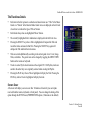
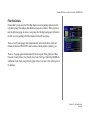
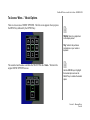
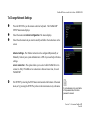
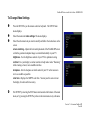
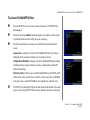
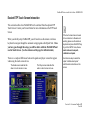
There are a couple of differences between the guides and player screens that appear
when using the touch screen device.
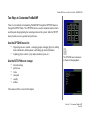
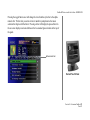
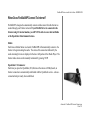
The Guide screen looks like this
when no touch screen is in use.
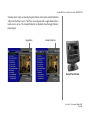
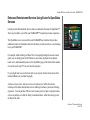
The Player screen looks like this
when no touch screen is in use.
2
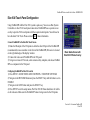
If the touch screen does not seem
to be centered or is otherwise not
working, please use the remote or
keyboard and press the SETUP key
to go to the SETUP menu,choose
audio video and com ports,
calibrate touch panel.
Use the arrow keys to select the
option “calibrate touch panel”
and follow the instructions on the
screen.
CHAPTER 8 - CUSTOMIZING FIREBALL-MP
PAGE 94